
Solutions
Trouvez la route selon la pression du stakeholder.
Un CFO demande où les dépenses Microsoft fuient. Un CIO demande si les Cloud PC sont prêts. Un responsable sécurité demande des preuves. Un MSP demande comment reproduire le travail. Un propriétaire de migration demande pourquoi les applications bloquent encore la livraison. Commencez là.
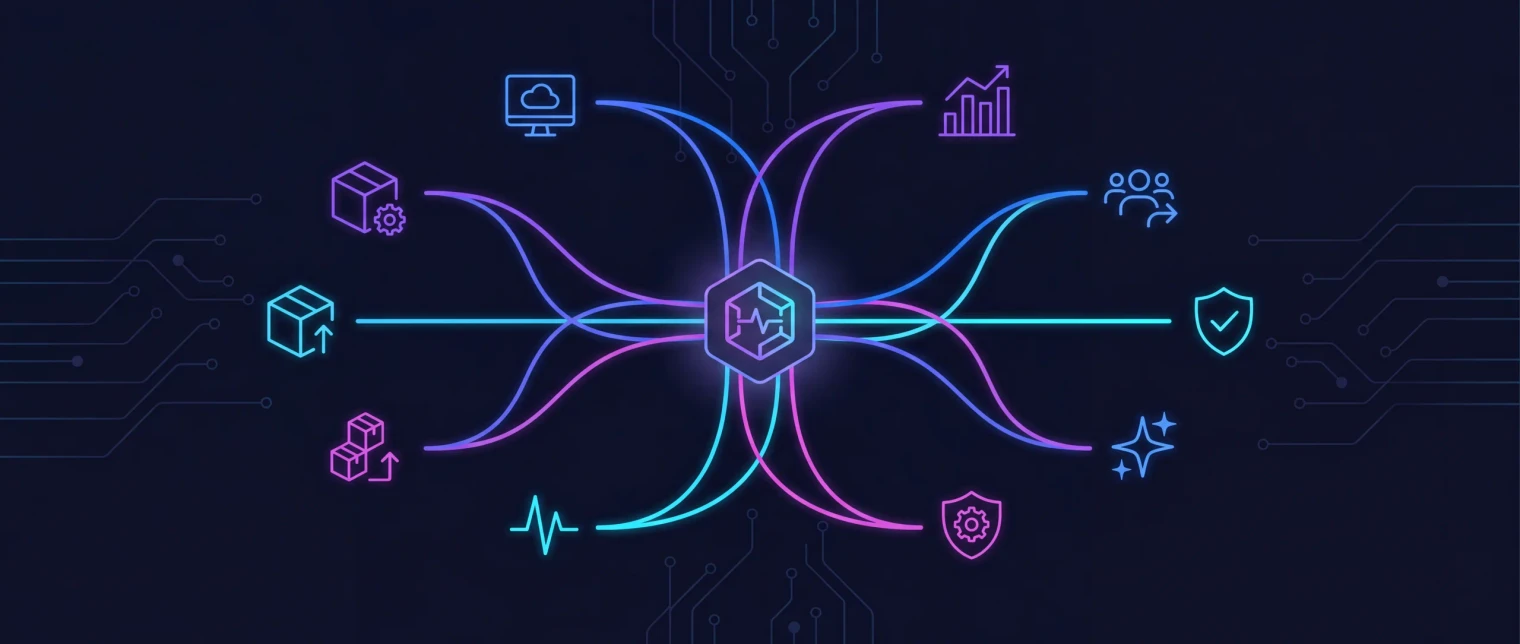
Comment les routes sont regroupées
Trois moments commerciaux, 22 routes techniques.
Les groupes de solution correspondent à la façon dont les équipes décrivent le problème avant de connaître le nom du produit : preuves de préparation, contrôle opérationnel ou pression de coûts et modernisation.
Posture et préparation
Pour les équipes auxquelles on demande si le tenant, les appareils, les plans Copilot ou le déploiement Cloud PC sont prêts et qui ont besoin de preuves avant que la décision ne soit déjà prise.
- Microsoft 365 security and conformity
- Microsoft 365 tenant backup and drift
- Microsoft 365 Copilot readiness
- ISO compliance and audit readiness
- Intune reporting, drift, and device troubleshooting
- Windows 365 and Cloud PC
- Windows 365 migration
Contrôle opérationnel
Pour les équipes coincées entre licences, offboarding, charge de support, exécution agentic et pression d'audit. EtherInsights fournit les preuves ; EtherAssist aide à faire le travail.
- Microsoft 365 licence management and offboarding
- Microsoft 365 for MSPs
- SMB AI assistant
- IT operations and compliance
- Agentic operations
Coûts et modernisation
Pour les équipes portant questions de dépenses cloud, échéances Windows 11, incertitude des apps héritées et pression de livraison MSIX ou AppAttach dans le même programme.
- Cloud cost optimisation
- Azure VM right-sizing
- Legacy apps
- MSIX packaging and deployment
- Agentic app packaging
- Application modernisation and migration
Les 22 routes
Choisissez la route qui correspond au bloqueur d'aujourd'hui.
Chaque carte part d'une pression que votre équipe ou client peut reconnaître, puis pointe vers la route produit et la prochaine étape pratique.
Mapping
Mapping produit
EtherInsights
Quand une équipe ne peut pas prouver d'où viennent les dépenses, la dérive, le risque, les problèmes d'appareils ou la demande Windows 365, EtherInsights transforme l'optimisation des coûts Microsoft 365 et le reporting en preuves et prochaines actions.
Soutient 10 routes de solution
EtherAssist
Quand les équipes ont besoin de l'aide de l'IA mais ne peuvent risquer prompts lâches, contexte non géré ou réponses non tracées, EtherAssist garde le support day-two gouverné.
Soutient 10 routes de solution
EtherApps Forge
Quand les applications retiennent les plans Windows 11, Intune, AVD ou Cloud PC, Forge fait passer l'équipe d'installateurs perdus à packages modernes.
Soutient 7 routes de solution
Par technologie Microsoft
Solutions par technologie Microsoft.
La plupart des problèmes d'un environnement Microsoft portent le nom de la technologie qui fait mal : une facture Azure que personne n'explique, des licences Copilot inutilisées, des appareils Intune qui échouent en silence, une application héritée qui bloque Windows 11. Partez de la technologie ; nous vous montrerons la pression qui se cache derrière.
IA
Une aide IA gouvernée pour les équipes IT et conformité qui ne peuvent pas risquer des prompts libres ou des réponses non tracées.
IA pour les PME
Un assistant IA en langage clair pour les petites entreprises qui ont besoin de réponses aujourd'hui, pas d'un nouveau projet IT.
Azure
Trouvez où les dépenses Azure fuient et apportez la preuve des économies à la finance.
Machines virtuelles Azure
Redimensionnez les VM surdimensionnées avec des preuves avant la prochaine facture.
Azure Virtual Desktop
Préparez les applications pour que les projets AVD et Cloud PC ne bloquent plus sur le packaging.
Compatibilité des applications héritées
Récupérez les applications sans installeur ni éditeur et gardez-les fonctionnelles sous Windows 11.
Microsoft 365
Prouvez la posture de sécurité du tenant et détectez la dérive de configuration avant l'auditeur.
Microsoft 365 Copilot
Sachez quels utilisateurs sont prêts pour Copilot et quelles licences restent inutilisées.
Microsoft 365 pour les MSP
Rapports de licences, de sécurité et de coûts sur tous les tenants clients, sans reprise tenant par tenant.
Microsoft Entra ID
Sauvegardez Conditional Access et la configuration Entra dans un stockage immuable qui vous appartient, et voyez qui a changé quoi.
Microsoft Intune
Voyez les appareils, stratégies et applications en échec avant l'arrivée des tickets, avec des rapports qu'Intune ne fournit pas.
MSIX
Transformez les installeurs hérités en paquets MSIX et AppAttach fiables pour votre chaîne de déploiement.
Windows 365 et Cloud PC
Dimensionnez, chiffrez et justifiez un déploiement Cloud PC avant d'engager les licences.
Migration Windows 365
Passez d'AVD, d'un VDI hérité ou de VM Azure à Windows 365 avec une migration guidée et suivie.
Preuve
Signaux des routes d'achat menées par solution
Les conversations finance se dirigent vers visibilité des coûts et preuves d'économies.
Les conversations sécurité et IT operations se dirigent vers contrôle tenant, gouvernance IA et remédiation reproductible.
Les conversations migration et endpoint se dirigent vers packaging, MSIX, Intune, Windows 365 et livraison Azure Virtual Desktop.
Ressources
Contenu connexe
Articles de gestion des coûts Azure
Lisez la pensée publiée sur le gaspillage cloud, la visibilité du parc Microsoft et l'optimisation menée par propriétaire.
Articles IT operations et conformité
Examinez les conseils sur les opérations IA sécurisées, la répétabilité du workflow, la documentation et la préparation à l'audit.
Articles de modernisation d'applications
Explorez le packaging capture-first, la préparation à la migration et les sujets de livraison Windows moderne du portefeuille.
Mises à jour médias et portefeuille
Voyez les annonces officielles et la couverture organisée liée au portefeuille EfficientEther.