
Lösungen
Finden Sie die passende Lösung für Ihren nächsten Schritt.
Geht es um Microsoft-Kosten, Cloud PCs, Sicherheitsnachweise, KI-Governance oder Anwendungsmigration? Wählen Sie den Einstieg, der zu Ihrem aktuellen Problem passt.
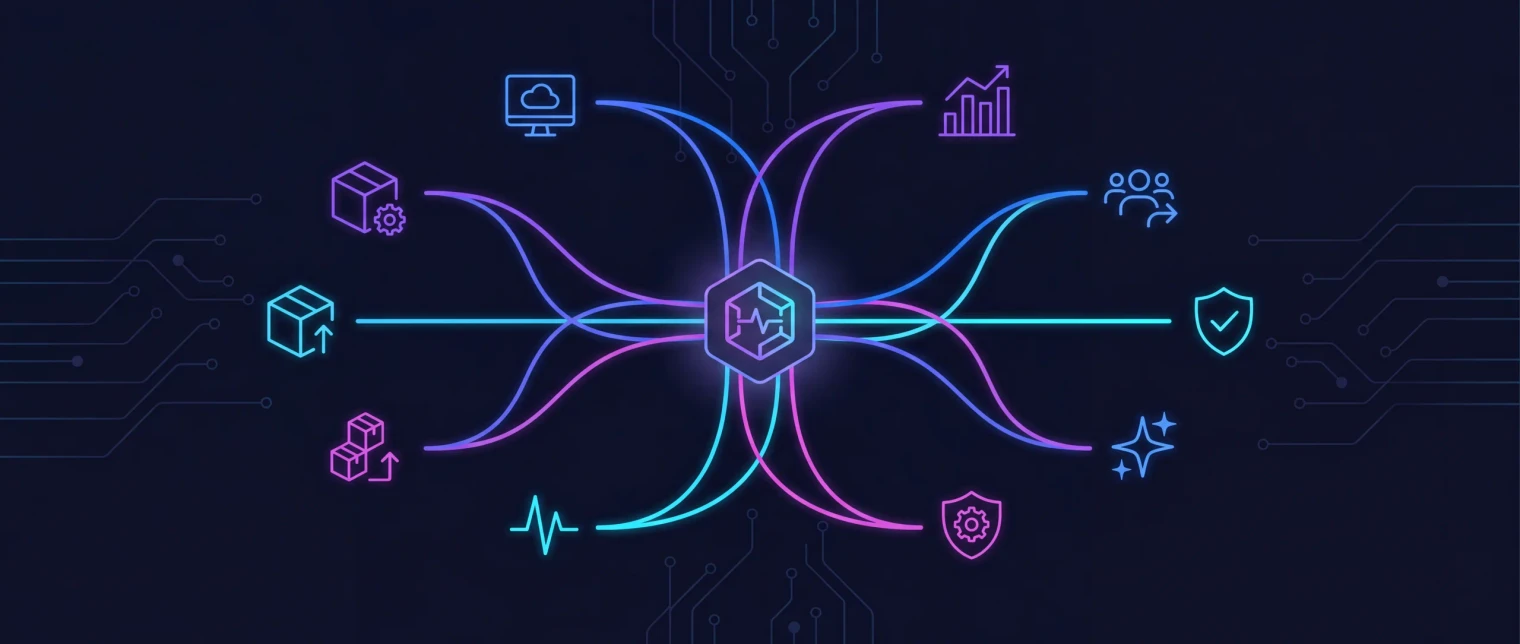
Wie die Routen gruppiert sind
Drei Themen, 22 klare Lösungswege.
Die Gruppen folgen den Problemen, die Teams zuerst nennen: Bereitschaft, Betriebskontrolle oder Kosten und Modernisierung.
Sicherheit und Bereitschaft
Für Teams, die prüfen müssen, ob Tenant, Geräte, Copilot oder Cloud PCs bereit sind.
- Microsoft 365 security and conformity
- Microsoft 365 tenant backup and drift
- Microsoft 365 Copilot readiness
- ISO compliance and audit readiness
- Intune reporting, drift, and device troubleshooting
- Windows 365 and Cloud PC
- Windows 365 migration
Betriebskontrolle
Für Teams mit Lizenz-, Offboarding-, Support-, KI- oder Audit-Aufgaben. EtherInsights liefert Nachweise. EtherAssist hilft bei der Umsetzung.
- Microsoft 365 licence management and offboarding
- Microsoft 365 for MSPs
- SMB AI assistant
- IT operations and compliance
- Agentic operations
Kosten und Modernisierung
Für Teams mit Cloud-Kostenfragen, Windows 11 Terminen, Legacy-Apps, MSIX oder AppAttach.
- Cloud cost optimisation
- Azure VM right-sizing
- Legacy apps
- MSIX packaging and deployment
- Agentic app packaging
- Application modernisation and migration
Die 22 Routen
Wählen Sie, was heute blockiert.
Jede Karte startet mit einem erkennbaren Problem und führt zur passenden Produktseite oder zum nächsten Schritt.
Mapping
Produkt-Mapping
EtherInsights
Wenn ein Team nicht belegen kann, woher Ausgaben, Drift, Risiken, Geräteprobleme oder Windows 365-Bedarf kommen, verwandelt EtherInsights Microsoft 365-Kostenoptimierung und Reporting in Nachweise und nächste Aktionen.
Unterstützt 10 Lösungs-Routen
EtherAssist
EtherAssist gibt Teams kontrollierte KI-Hilfe für Support, Dokumentation, Workflows und Compliance.
Unterstützt 10 Lösungs-Routen
EtherApps Forge
EtherApps Forge hilft, fehlende Installer und Legacy-Apps in moderne Pakete für Windows, Intune, AVD und Cloud PCs zu überführen.
Unterstützt 7 Lösungs-Routen
Nach Microsoft-Technologie
Lösungen nach Microsoft-Technologie.
Die meisten Probleme in einer Microsoft-Umgebung tragen den Namen der Technologie, die gerade schmerzt: eine Azure-Rechnung, die niemand erklären kann, ungenutzte Copilot-Lizenzen, Intune-Geräte, die still ausfallen, eine Altanwendung, die Windows 11 blockiert. Beginnen Sie bei der Technologie; wir zeigen Ihnen den Druck dahinter.
KI
Kontrollierte KI-Unterstützung für IT- und Compliance-Teams, die sich lose Prompts oder unprotokollierte Antworten nicht leisten können.
KI für KMU
Ein KI-Assistent in Alltagssprache für kleine Unternehmen, die heute Antworten brauchen und kein weiteres IT-Projekt.
Azure
Finden Sie, wo Azure-Ausgaben versickern, und legen Sie der Finanzabteilung belastbare Einsparungsnachweise vor.
Azure Virtual Machines
Überdimensionierte VMs mit Belegen richtig dimensionieren, bevor die nächste Rechnung kommt.
Azure Virtual Desktop
Anwendungen vorbereiten, damit AVD- und Cloud PC-Pläne nicht mehr am Packaging scheitern.
Kompatibilität von Altanwendungen
Anwendungen ohne Installationsmedien oder Hersteller wiederherstellen und unter Windows 11 weiter betreiben.
Microsoft 365
Die Sicherheitslage des Tenants nachweisen und Konfigurationsdrift erkennen, bevor der Auditor es tut.
Microsoft 365 Copilot
Wissen, welche Nutzer bereit für Copilot sind und welche Lizenzen ungenutzt bleiben.
Microsoft 365 für MSPs
Lizenz-, Sicherheits- und Kostenberichte über alle Kunden-Tenants ohne Nacharbeit pro Tenant.
Microsoft Entra ID
Sichern Sie Conditional Access und die Entra-Konfiguration in unveränderlichen Storage, den Sie besitzen, und sehen Sie, wer was geändert hat.
Microsoft Intune
Fehlerhafte Geräte, Richtlinien und Apps sehen, bevor die Tickets eintreffen, mit Berichten, die Intune nicht liefert.
MSIX
Alte Installer in MSIX- und AppAttach-Pakete verwandeln, denen Ihre Bereitstellungspipeline vertrauen kann.
Windows 365 und Cloud PC
Einen Cloud PC-Rollout dimensionieren, kalkulieren und belegen, bevor die Lizenzen gebunden sind.
Windows 365-Migration
Von AVD, klassischer VDI oder Azure-VMs mit geführter, nachverfolgter Migration zu Windows 365 wechseln.
Nachweis
Signale aus praktischen Lösungswegen
Finanzthemen führen zu Kostenübersicht und Einsparungsnachweisen.
Sicherheits- und IT-Betriebsthemen führen zu Tenant-Kontrolle, KI-Governance und wiederholbaren Aktionen.
Migrations- und Endpunktthemen führen zu Packaging, MSIX, Intune, Windows 365 und Azure Virtual Desktop.
Ressourcen
Verwandte Inhalte
Azure Kostenmanagement Artikel
Lesen Sie Beiträge zu Cloud-Verschwendung, Microsoft-Transparenz und Optimierung.
IT-Operations und Compliance Artikel
Lesen Sie Leitfäden zu sicherer KI, Workflows, Dokumentation und Audit-Bereitschaft.
Anwendungs-Modernisierungs-Artikel
Erkunden Sie Capture-First-Packaging, Migrationsbereitschaft und moderne Windows-Bereitstellung.
Medien und Portfolio Updates
Sehen Sie offizielle Ankündigungen und Berichte zum EfficientEther-Portfolio.