
EtherInsights film
Azure Virtual Desktop management: hosts, sessions, scaling
See Azure Virtual Desktop host pools and sessions in one view, manage scaling plans and see estimated savings. Compare Windows 365 costs using your own data.
Notes
- The estimated saving's method: the hours each host was off in the 30 days to 02:00 on 21 October, from power events in the Azure activity log, at D4s v5 pay-as-you-go rates (UK South for £, East US for $). It covers hp-ops-uks and hp-legal-ne. The Azure invoice shows the actual charges.
- The cost comparison's basis: the TCO Advisor's estimate for 40 users (30 days of session-host compute, OS disks, Log Analytics monitoring, FSLogix profile storage and network egress), against Windows 365 Enterprise 2 vCPU 8 GB at list price.
- Logging off ends a session, and any unsaved work is lost.
Chapters
- 0:00Two in the morning: which hosts still need to run?
- 0:14Host pools and sessions in one view
- 0:30Logging off is your decision, and scaling plans
- 0:44What scaling saved, and a Windows 365 comparison
Transcript
- 0:02It's two in the morning. Which Azure Virtual Desktop hosts still need to be running?
- 0:08Seven of these fourteen hosts are running, with no active sessions.
- 0:14EtherInsights shows your host pools and sessions in one view.
- 0:20One pool has no scaling plan.
- 0:24Review disconnected sessions. They can keep a pool from scaling down overnight.
- 0:30Logging off is your decision, and the page asks first.
- 0:36Manage scaling plans. They are Microsoft's own, and EtherInsights helps you set one up on a pool.
- 0:44Then see what scaling has already saved, estimated from running history and shown with its basis.
- 0:52If you're considering Windows 365, compare the costs using information from your own environment.
- 1:00Try EtherInsights free for fourteen days on your own tenant.
More films
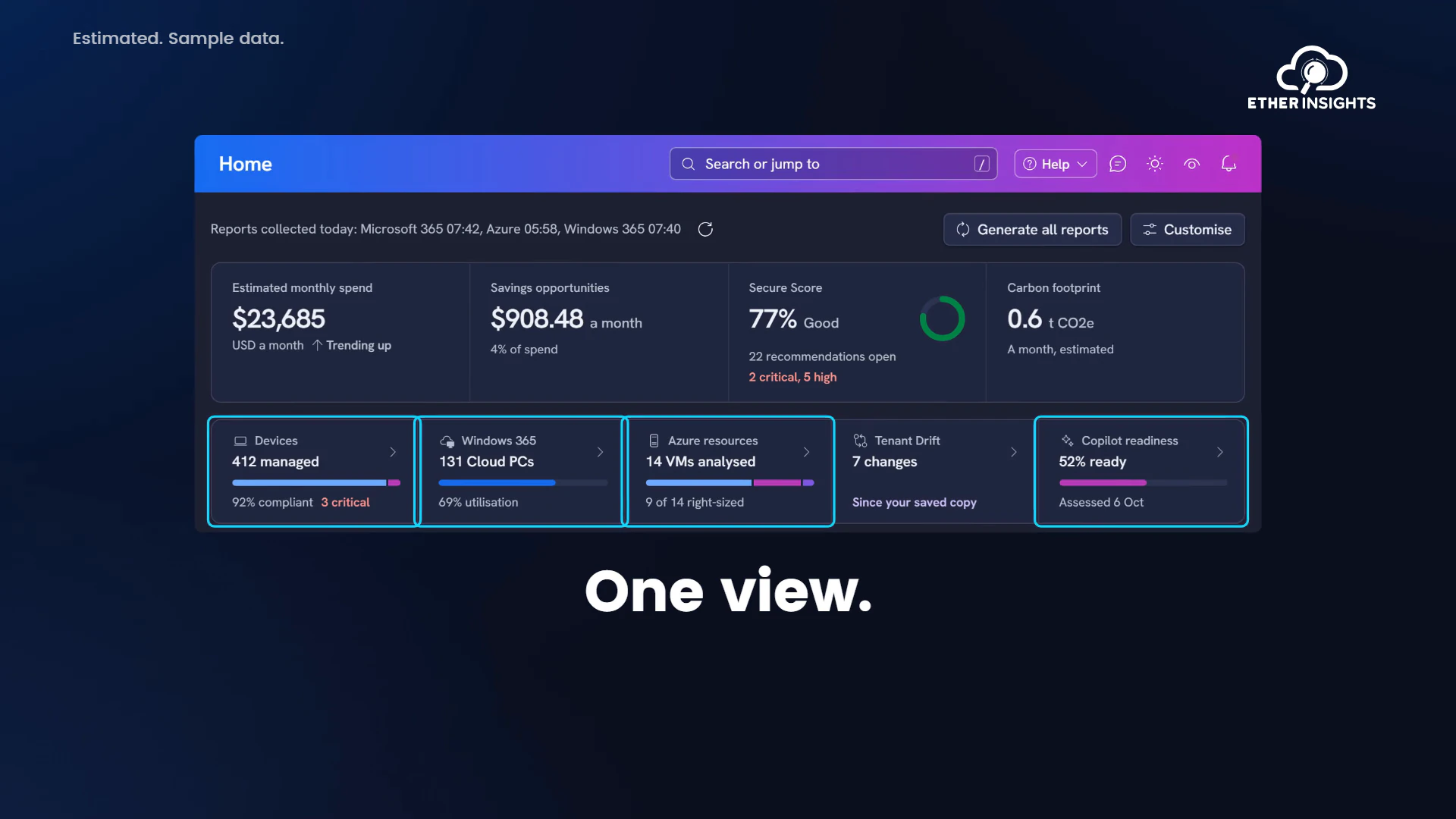
EtherInsights film
EtherInsights overview: Microsoft 365 and Azure in one view
Running time 1:20
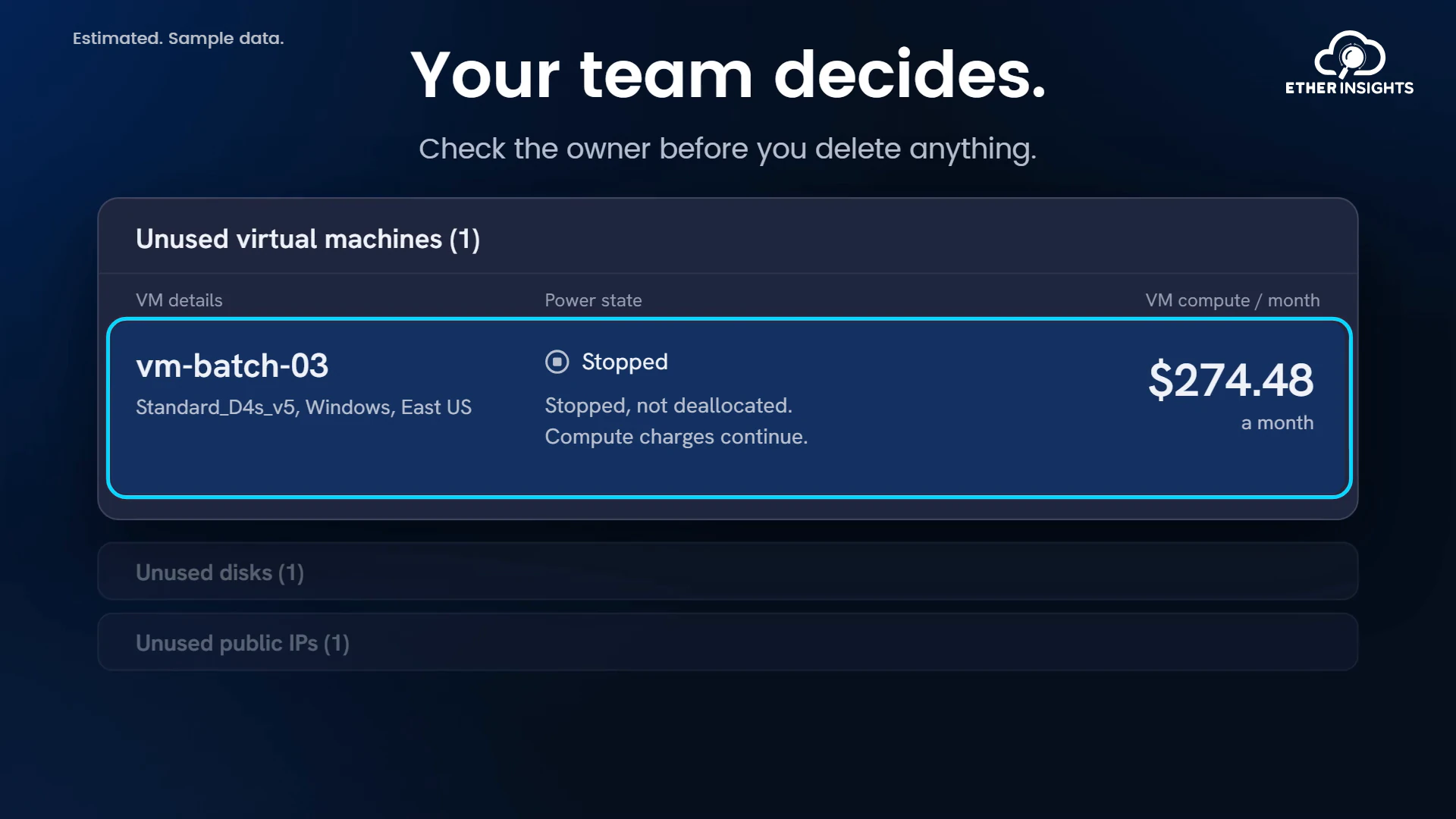
EtherInsights film
Find idle Azure resources and what they cost each month
Running time 1:10
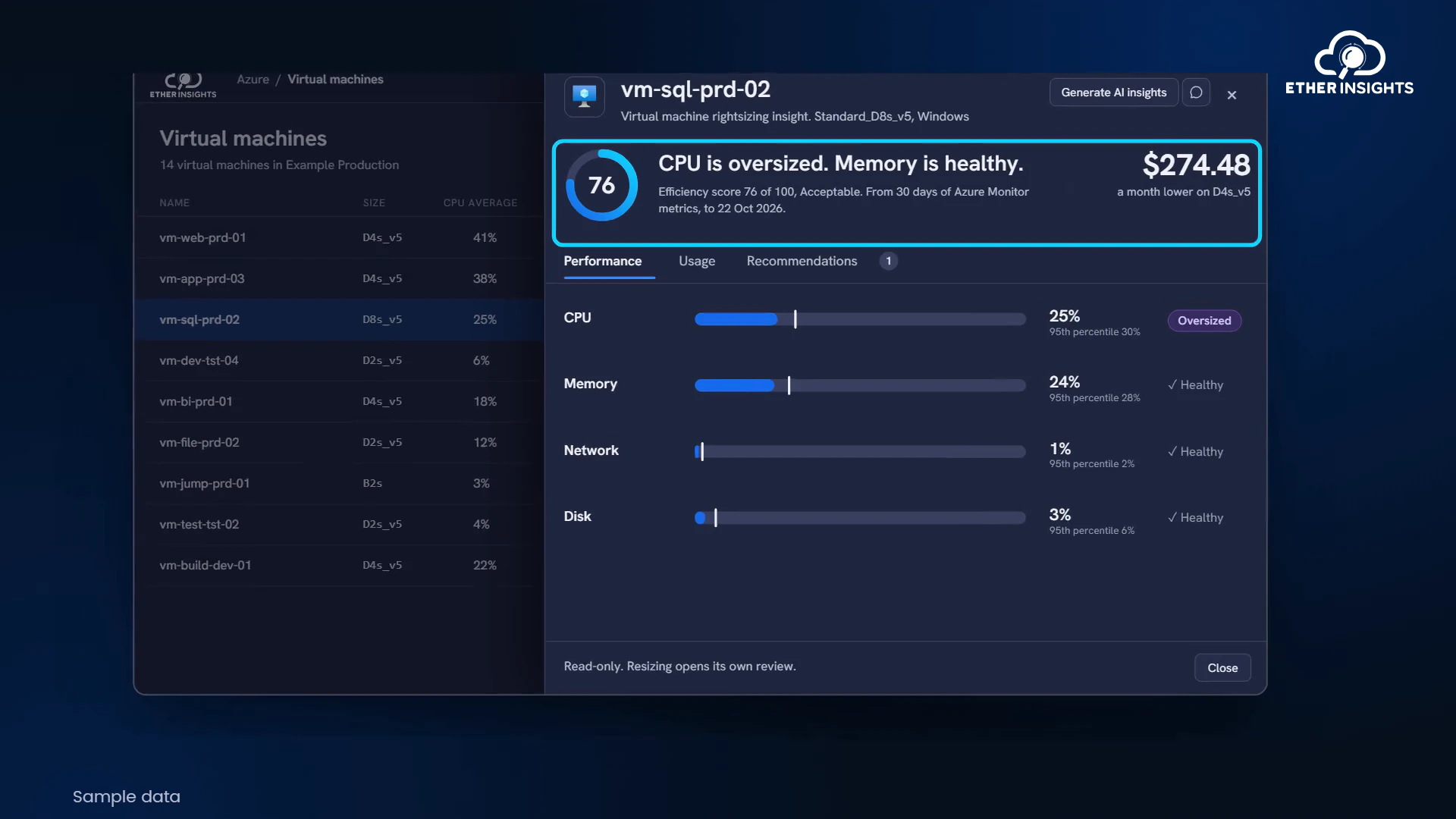
EtherInsights film
Azure VM right-sizing with usage and cost evidence
Running time 1:05