
EtherAssist film
EtherAssist: an AI assistant for IT professionals
A ticket with missing detail becomes a triage note an engineer reviews. EtherAssist asks what is missing and drafts an update. Nothing posts without approval.
Notes
- Documents come from each user's own library.
- Drafts are for the engineer to review and test.
- The audit log records sign-ins, connector calls, role and policy changes and requests to change the AI processing region. It does not record prompts, answers or documents.
- The region setting covers AI processing only.
Chapters
- 0:00A ticket with missing detail, and your help desk connected
- 0:13Tag a ticket or schedule a review
- 0:25The triage note and the questions it asks
- 0:39First checks and a drafted update
- 0:50Internal notes only, then SOPs and knowledge articles
- 1:03Compliance packs, and request a demonstration
Transcript
- 0:02A device won't enrol, the ticket is missing detail, and you need a starting point.
- 0:09Connect your help desk once.
- 0:13Tag the ticket, or schedule a review of your open tickets.
- 0:18EtherAssist reads the ticket, its emails and its notes, and writes a triage note.
- 0:25Summary, impact and urgency, evidence, what's missing, and next steps.
- 0:34What's missing becomes a question, not a guess.
- 0:39It suggests the first checks, and drafts an update for you to review.
- 0:45In review mode, nothing is posted until an engineer says so.
- 0:50Notes stay internal; EtherAssist does not reply to the customer.
- 0:56Once it's resolved, draft an SOP, a process diagram or a knowledge article.
- 1:03Compliance packs too, from information security to AI governance, drafted for your team to review.
- 1:11EtherAssist helps engineers research issues and prepare scripts, and compliance teams draft documents.
- 1:19Request an EtherAssist demonstration.
More films
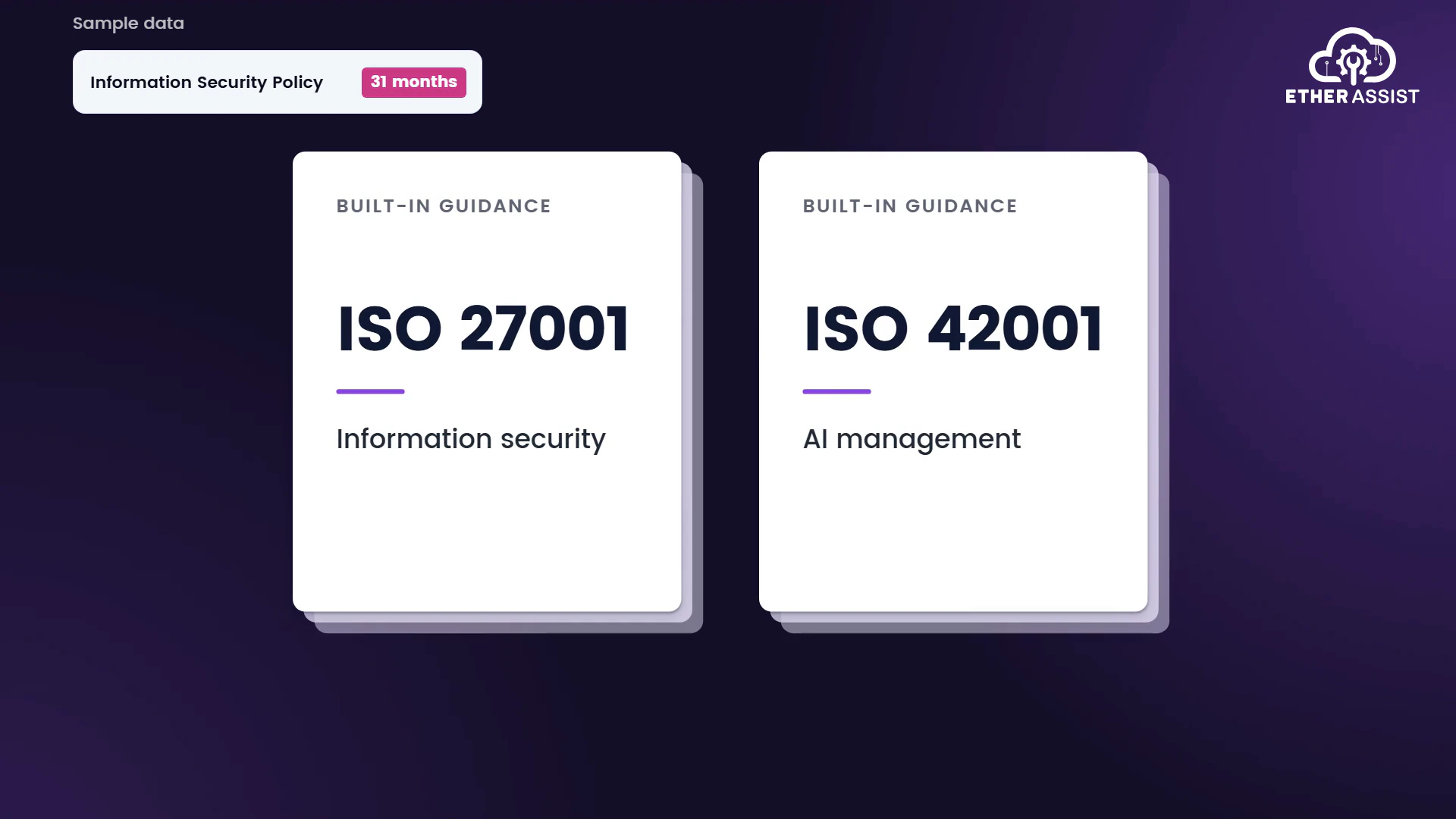
EtherAssist film
EtherAssist for compliance teams: ISO 27001 policy drafting
Running time 1:17
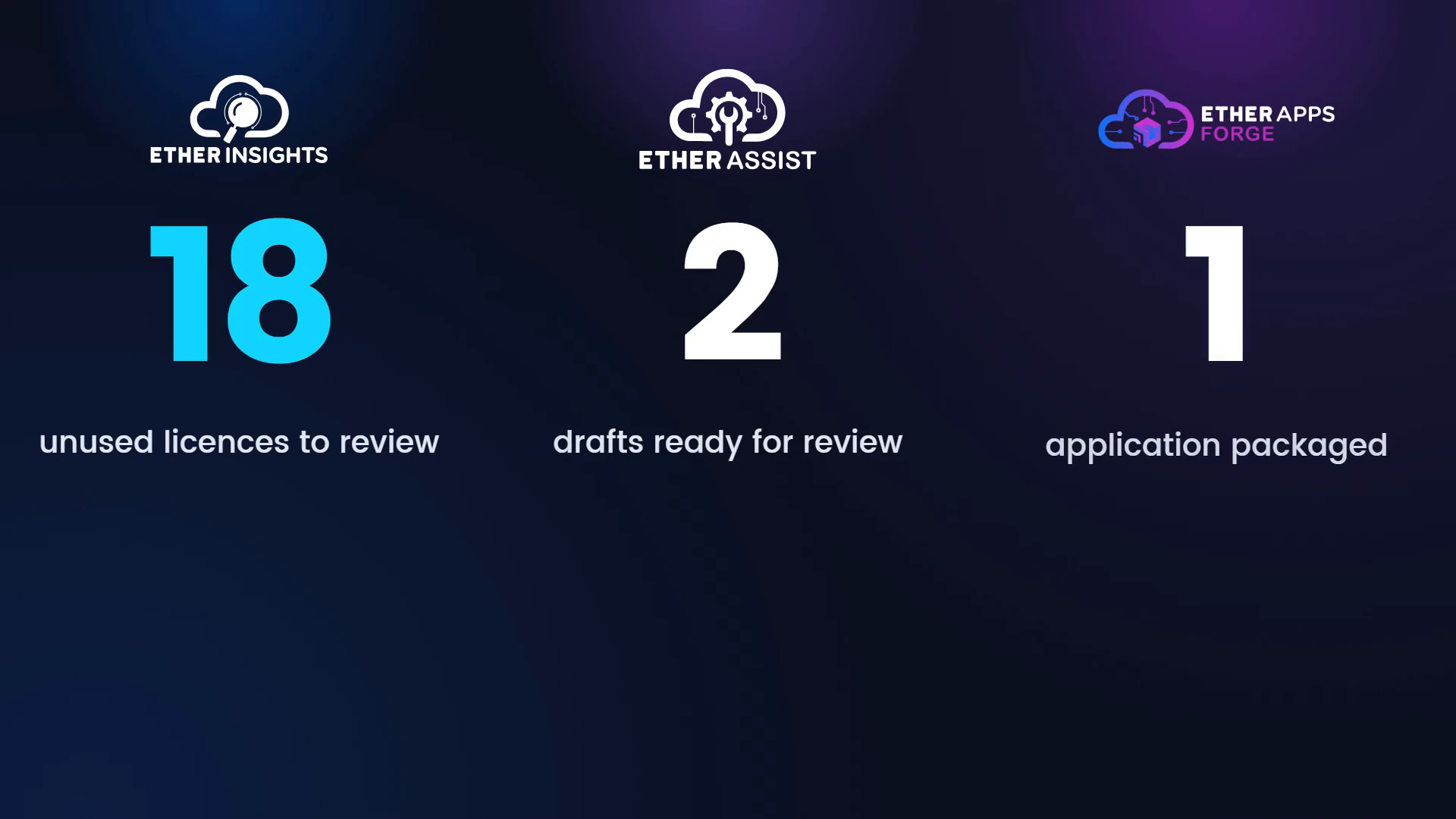
EfficientEther film
What EfficientEther does: three products for Microsoft IT
Running time 1:29
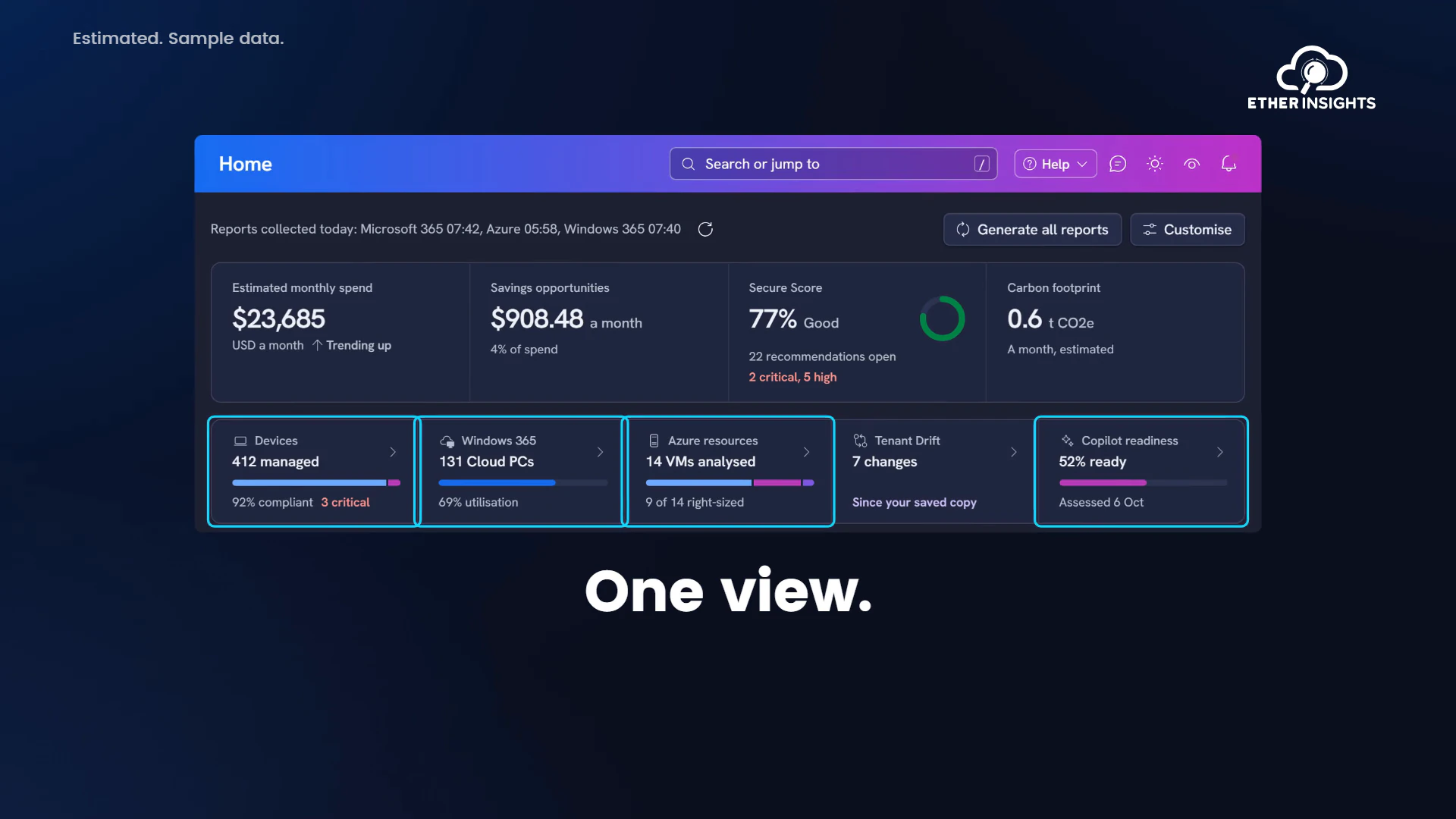
EtherInsights film
EtherInsights overview: Microsoft 365 and Azure in one view
Running time 1:20