
EtherInsights film
Microsoft 365 configuration backup: see what changed
Know what changed in your Microsoft 365 configuration, compare it with your saved copy, preview a restore and put back one setting, from storage you own.
Notes
- A saved copy is not necessarily a secure one.
- A restore never runs on its own: you tick the settings to put back, review the plan and type RESTORE with the tenant ID. It runs with your own Microsoft sign-in.
Chapters
- 0:00Friday, twenty to six: a rule changes
- 0:12A check every six hours
- 0:22What changed since you saved your copy
- 0:36Preview a restore and put one setting back
- 0:49Backups stay in storage you own
Transcript
- 0:02Friday, twenty to six. A rule that protects your admins changes.
- 0:08Do you find out tonight, or on Monday?
- 0:12Every six hours, EtherInsights checks for changes to your Microsoft 365 configuration.
- 0:19At six o'clock the check finds it.
- 0:22One thing has changed since you saved your copy.
- 0:27If an access rule or sharing policy changes, your team can compare it with the saved configuration and investigate what happened.
- 0:36Preview a restore, then confirm the setting you want to put back.
- 0:41It runs under your own Microsoft sign-in. Only that one setting goes back.
- 0:49Your backups stay in storage you own.
- 0:53Try EtherInsights free for fourteen days on your own tenant.
More films
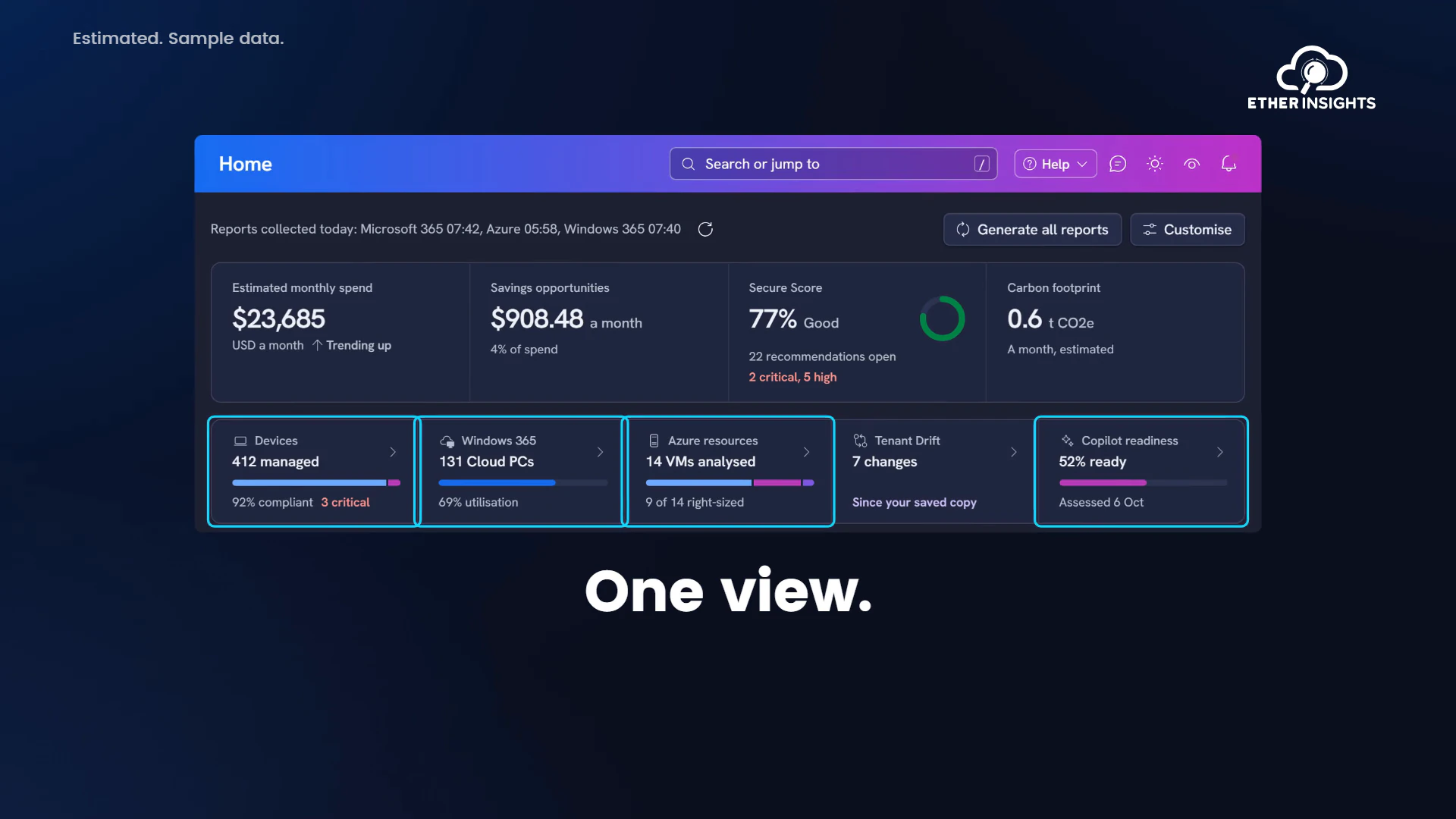
EtherInsights film
EtherInsights overview: Microsoft 365 and Azure in one view
Running time 1:20
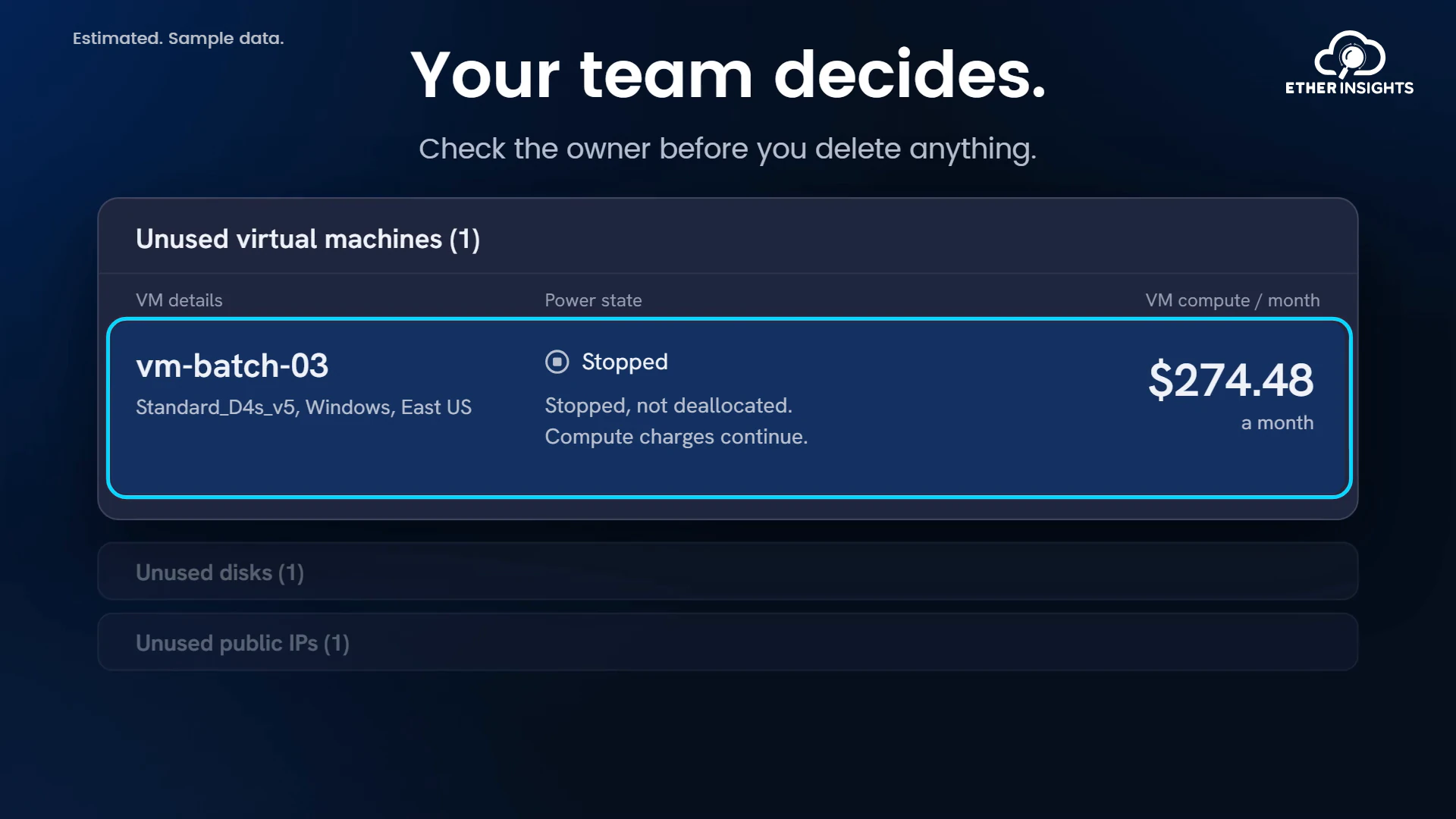
EtherInsights film
Find idle Azure resources and what they cost each month
Running time 1:10
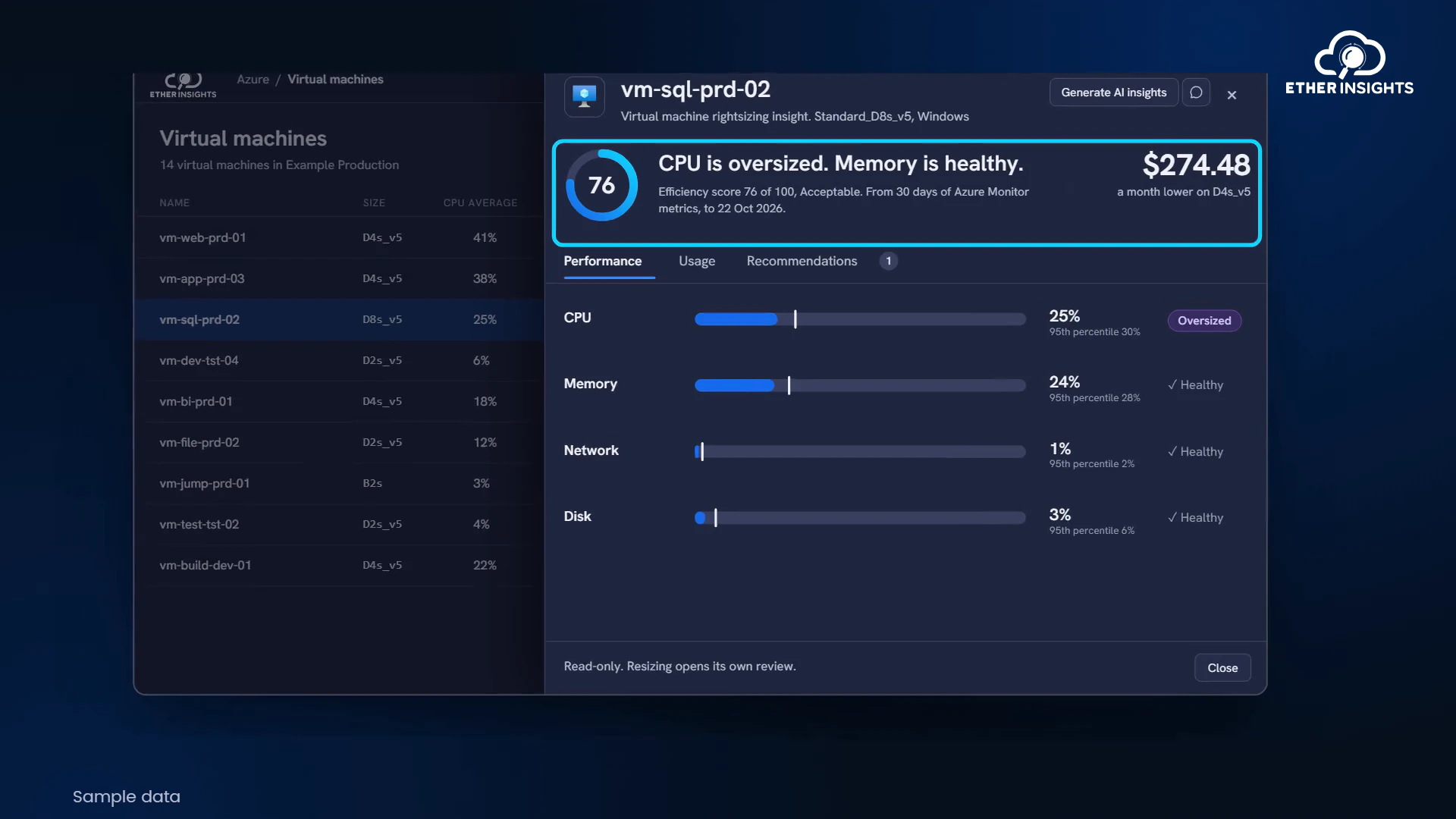
EtherInsights film
Azure VM right-sizing with usage and cost evidence
Running time 1:05