
EtherInsights film
Shadow AI in Microsoft 365: find AI apps and who let them in
Find the AI in your Microsoft 365 tenant, see what each app can read and who added it, then record a decision and apply an undoable control.
Notes
- Coverage is apps with Microsoft consent grants, not every local model or browser extension.
- A source that was not read is shown as "not read", never as zero, and the rating is withheld.
- Revoking consent is for an owner or administrator, and it can be undone.
- The board report runs to about two pages.
Chapters
- 0:00AI is already inside your tenant
- 0:13What is it doing, what can it read, who let it in?
- 0:27What each app can read, who let it in, and how to decide
- 0:42Approval requests, undo, and the board report
- 0:55Not read is never shown as zero
Transcript
- 0:02AI is already inside your tenant.
- 0:06When the board asks how AI is being used, you need more than a list of approved tools.
- 0:13What is it doing? What can it read? Who let it in?
- 0:18EtherInsights brings AI findings into one view: Copilot, Azure AI, AI apps and devices.
- 0:27See what each app can read, in plain English.
- 0:32And who let it in, by name and date.
- 0:36Review an app, mark it for a decision or revoke its consent.
- 0:42Turn on approval requests for new apps. Every change can be undone.
- 0:48Then share a board report of about two pages that shows the business what needs attention.
- 0:55Not read is never shown as zero.
- 1:01Try EtherInsights free for fourteen days on your own tenant.
More films
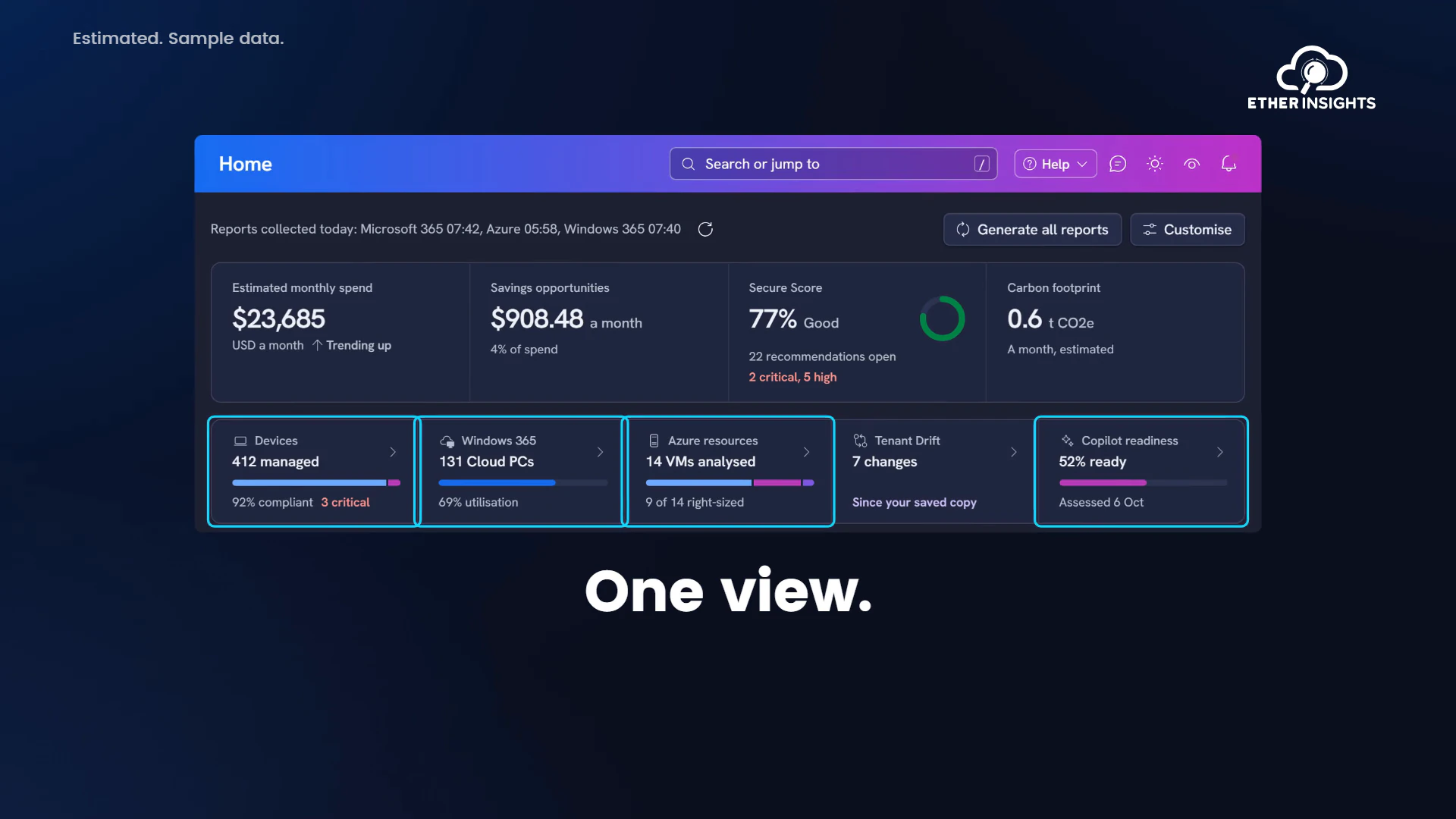
EtherInsights film
EtherInsights overview: Microsoft 365 and Azure in one view
Running time 1:20
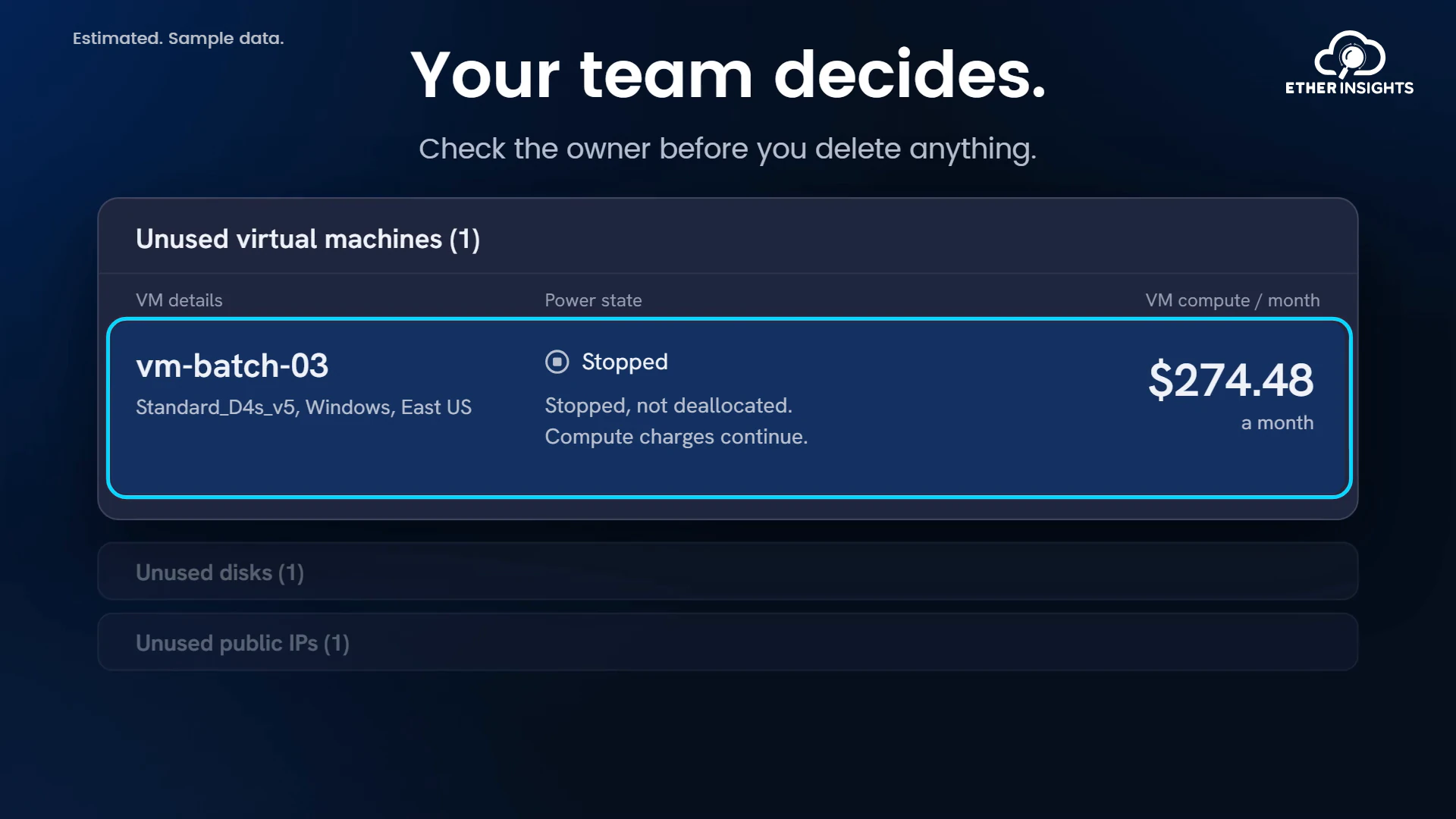
EtherInsights film
Find idle Azure resources and what they cost each month
Running time 1:10
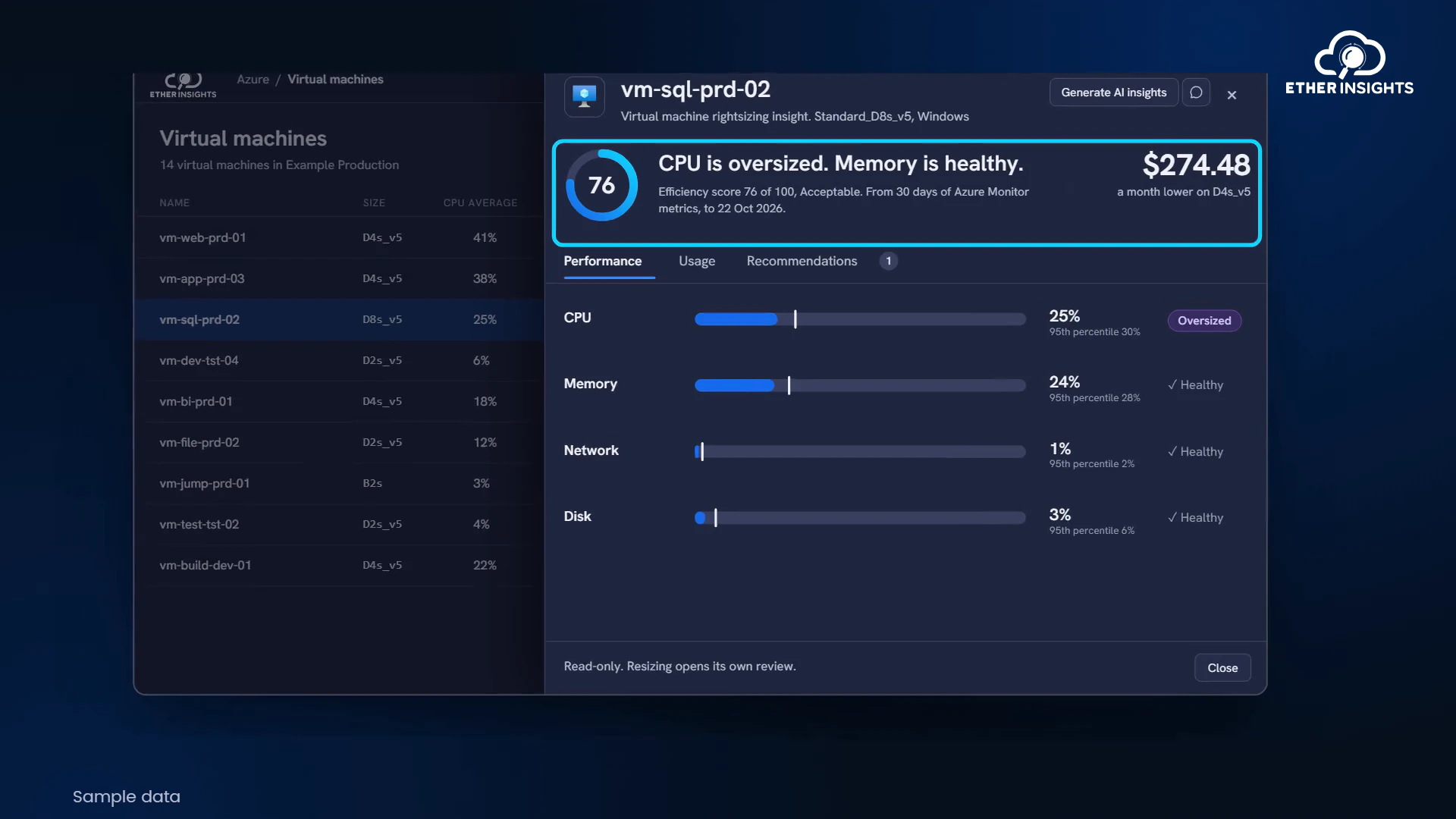
EtherInsights film
Azure VM right-sizing with usage and cost evidence
Running time 1:05