
EtherInsights film
Windows 365 Cloud PC management: usage, cost and idle PCs
See each Cloud PC's user and cost across Intune, Entra, Microsoft 365 and Azure. Find idle PCs, review resizing and test an automation rule with a dry run.
Notes
- Dry run is a mode of automation rules: it evaluates and creates nothing.
- Direct licence actions use a confirmation step instead.
- Above the safety cap, matches fall back to manual approval.
Chapters
- 0:00One Cloud PC, 41 days unused, and the bill keeps coming
- 0:12Four admin centres, one clear view
- 0:31Find idle machines, resize and reclaim licences
- 0:45Test an automation rule with a dry run
- 0:55Approve under your own sign-in
Transcript
- 0:02One Cloud PC. Forty-one days since Dan Carver last signed in.
- 0:08And the bill keeps coming.
- 0:12Four admin centres shouldn't stand between you and a clear view of your Cloud PCs.
- 0:19EtherInsights brings Intune, Entra, Microsoft 365 and Azure together, showing who uses each Cloud PC and what it costs.
- 0:31Find idle machines, review resizing options and reclaim licences.
- 0:38In this sample, twelve have been inactive for thirty days or more.
- 0:45Test an automation rule with a dry run.
- 0:50Twelve matches, and a dry run changes nothing.
- 0:55Then approve the changes under your own sign-in, with every action recorded.
- 1:02Try EtherInsights free for fourteen days on your own tenant.
More films
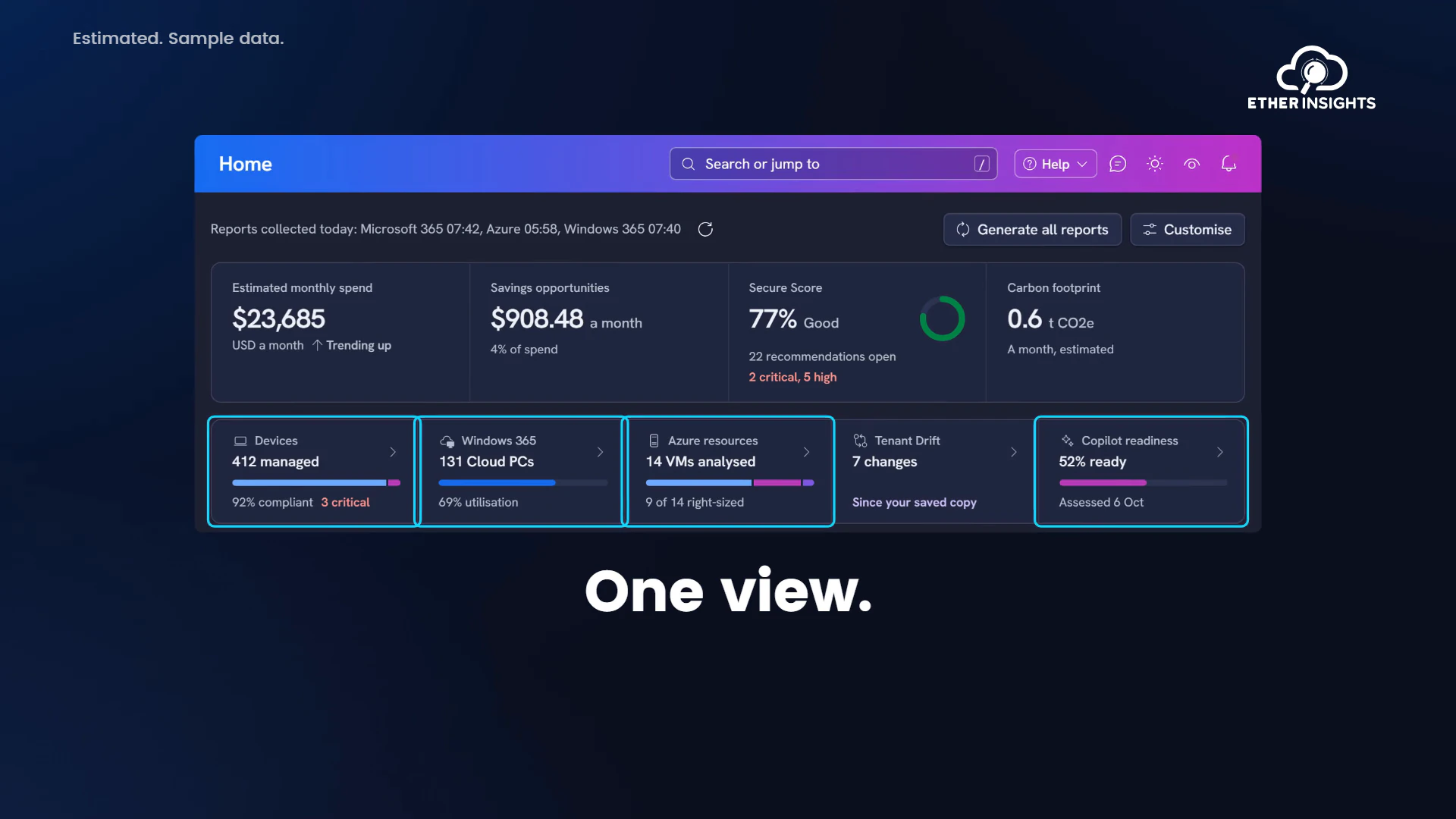
EtherInsights film
EtherInsights overview: Microsoft 365 and Azure in one view
Running time 1:20
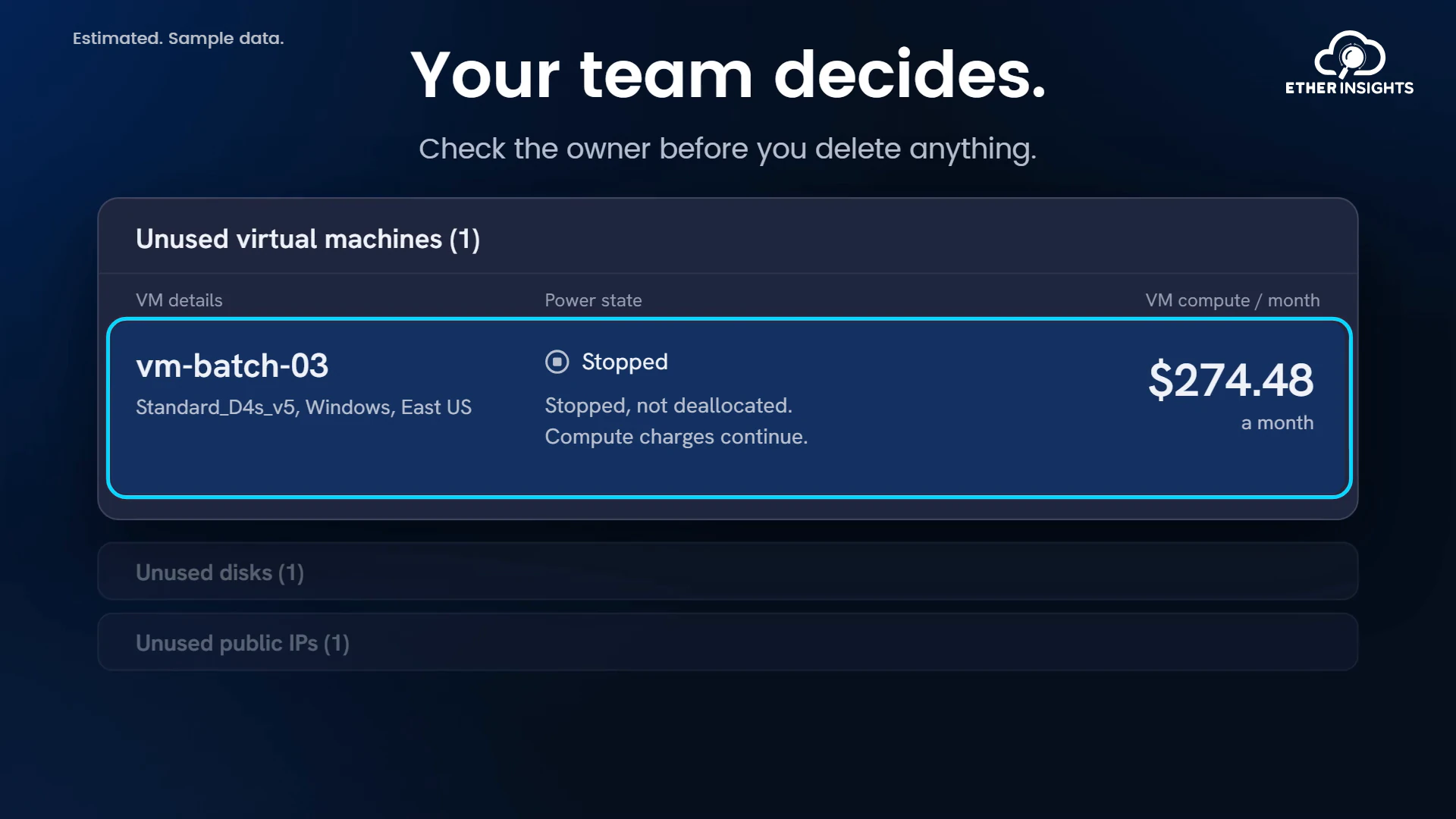
EtherInsights film
Find idle Azure resources and what they cost each month
Running time 1:10
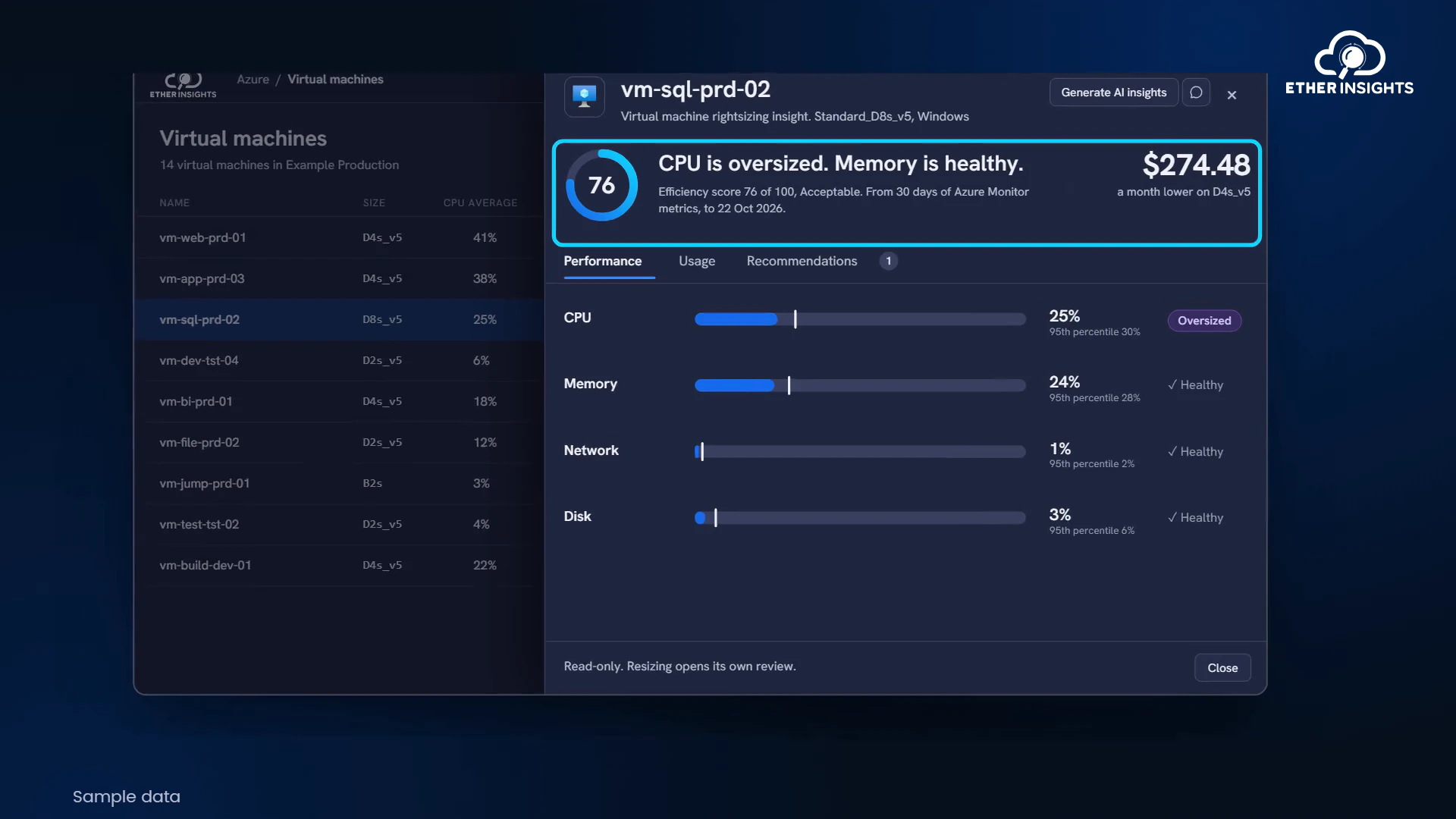
EtherInsights film
Azure VM right-sizing with usage and cost evidence
Running time 1:05