
EtherInsights film
Plan an Azure Virtual Desktop to Windows 365 migration
Compare costs from your connected environment, then move Azure Virtual Desktop personal desktops to Windows 365: one machine first, then scheduled batches.
Notes
- Azure Virtual Desktop personal desktops and eligible single-session Windows VMs move to Windows 365 Enterprise; pooled host pools are not eligible.
- Microsoft's limits for the move: Enterprise Cloud PCs, Gen2, a fixed VHD with only an OS disk, and third-party agents removed.
- The cost comparison comes from the TCO Advisor.
Chapters
- 0:00Moving personal desktops to Windows 365 in batches
- 0:20A cost comparison and which desktops are eligible
- 0:32Two disks too large, and how each migration is approved
- 0:46Follow each stage and keep the migration record
- 1:00Plan your move with your own data
Transcript
- 0:02How do you move sixteen personal desktops to Windows 365 without a big-bang cutover?
- 0:09Move your Azure Virtual Desktop personal desktops to Windows 365, starting with one machine, then in scheduled batches.
- 0:20EtherInsights builds the cost comparison from your current environment and shows which desktops are eligible to move.
- 0:28Fourteen of the sixteen are eligible.
- 0:32Two have OS disks too large for a Cloud PC, and the page shows the disk size.
- 0:39Each migration is reviewed and signed in by a person, then runs in the background.
- 0:46Follow each stage, see who has moved and keep the migration record in one place.
- 0:53After one machine and one batch, seven of the fourteen eligible desktops have moved.
- 1:00Plan your move with your own data.
- 1:04Try EtherInsights free for fourteen days on your own tenant.
More films
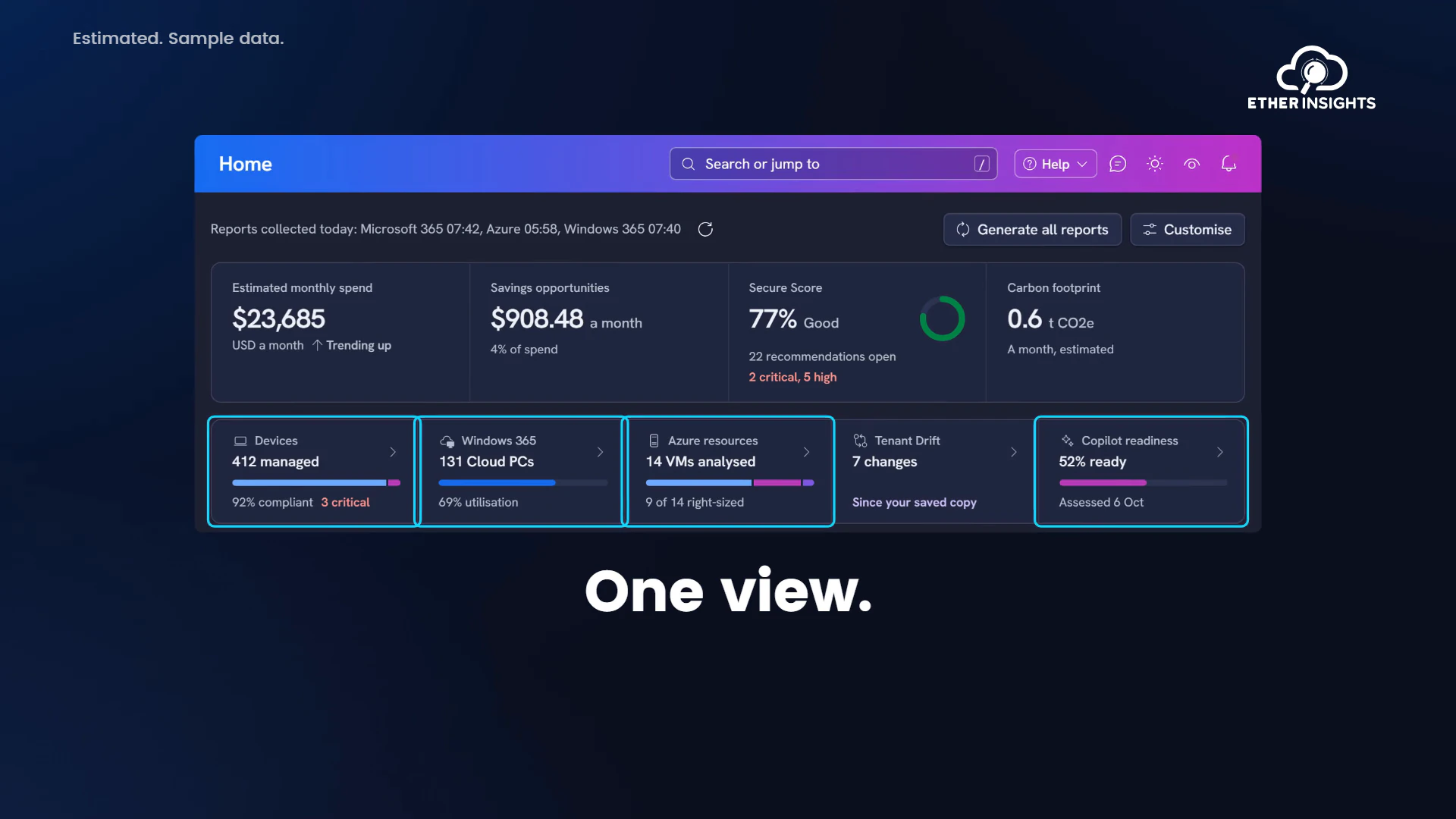
EtherInsights film
EtherInsights overview: Microsoft 365 and Azure in one view
Running time 1:20
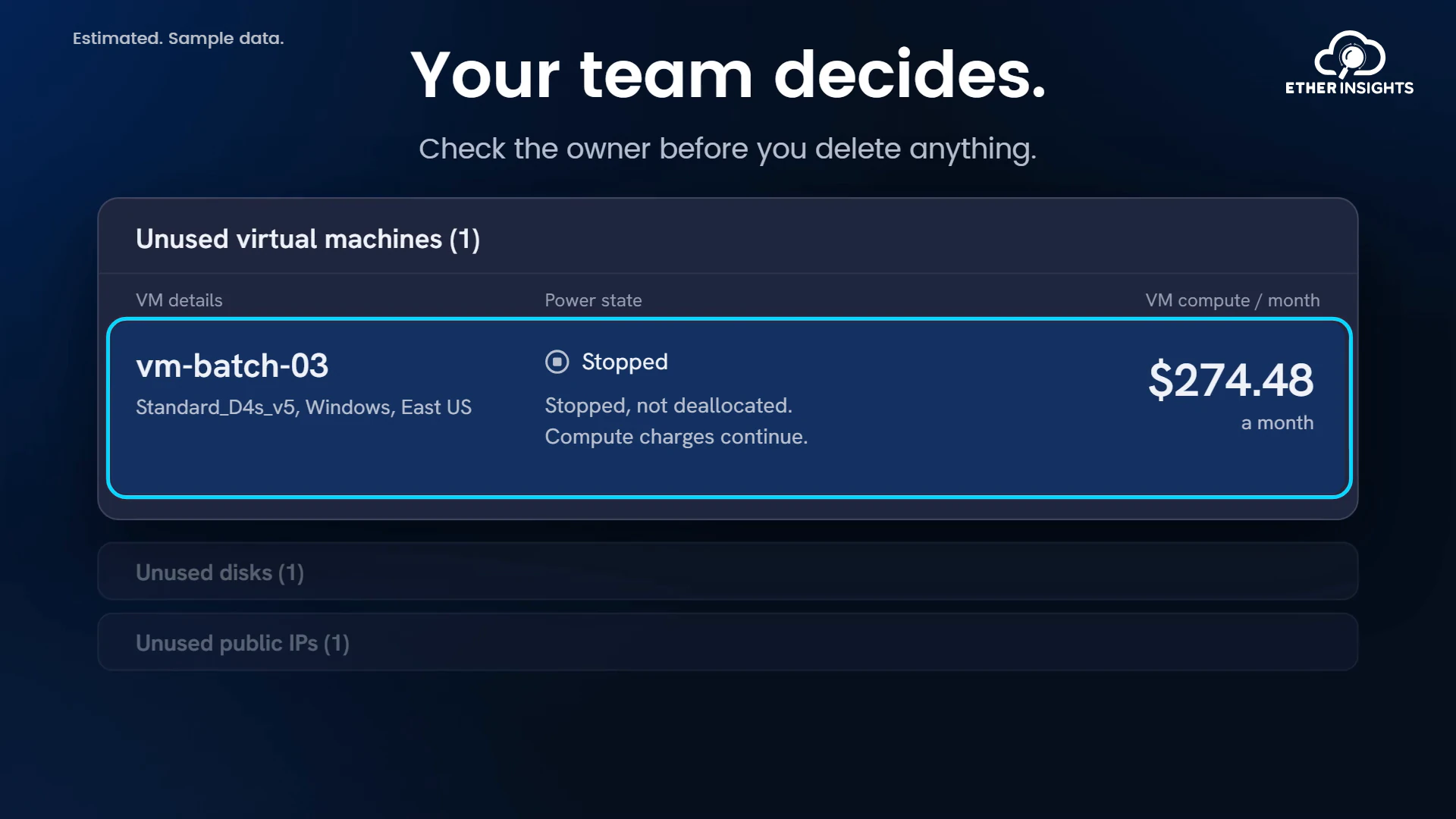
EtherInsights film
Find idle Azure resources and what they cost each month
Running time 1:10
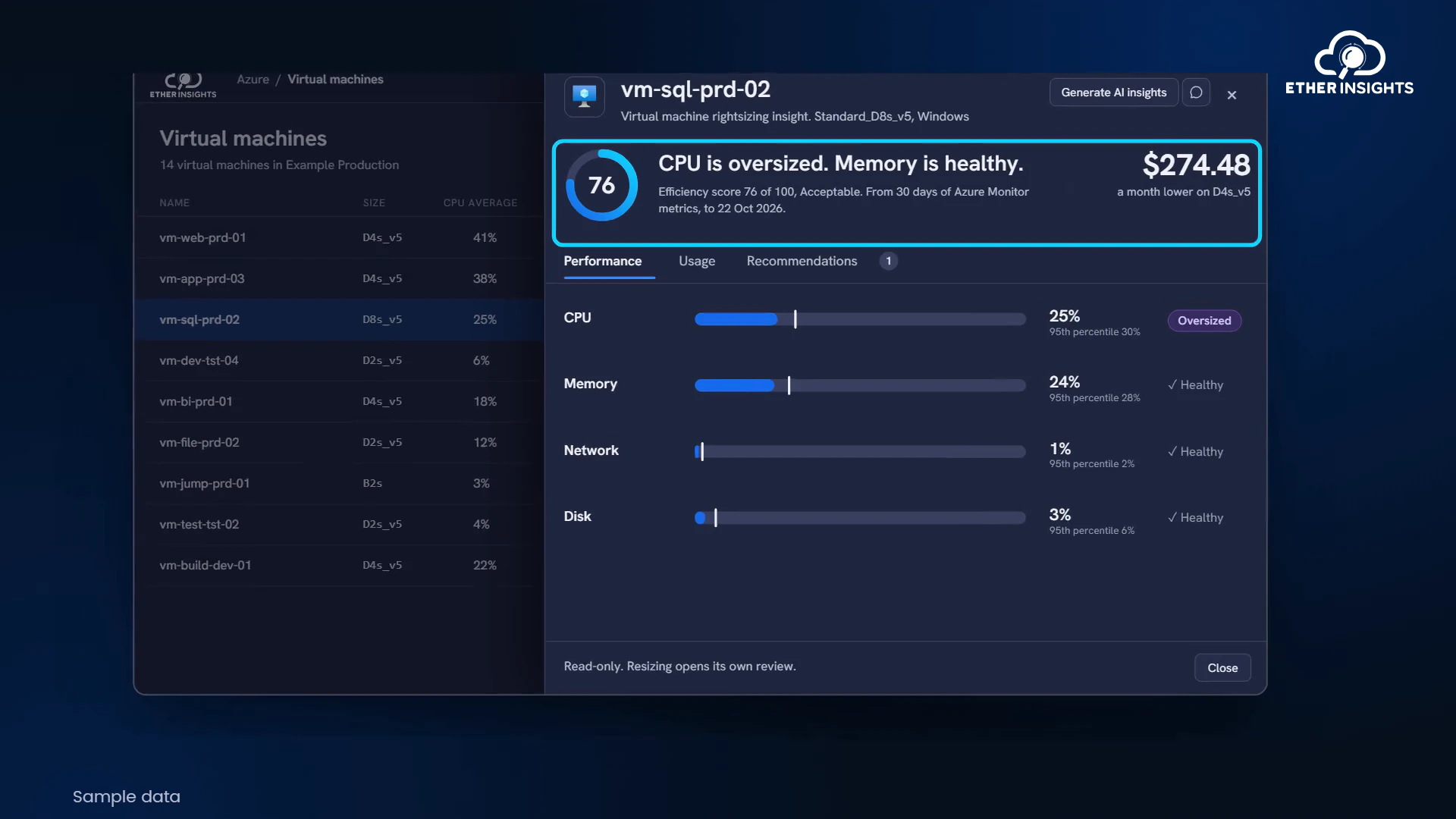
EtherInsights film
Azure VM right-sizing with usage and cost evidence
Running time 1:05