


Solution brief · Windows 365 and Cloud PC
Windows 365 Management Solution Brief
A Windows 365 rollout can reach production with its key decisions scattered across planning documents, licensing, Intune and support queues. Connect design, deployment, configuration and day-two evidence in one operating record.
Send me the solution brief
Enter your details and we will email your copy.
What this solution brief helps you decide
Keep the reason a user received a particular Cloud PC attached to the Cloud PC.
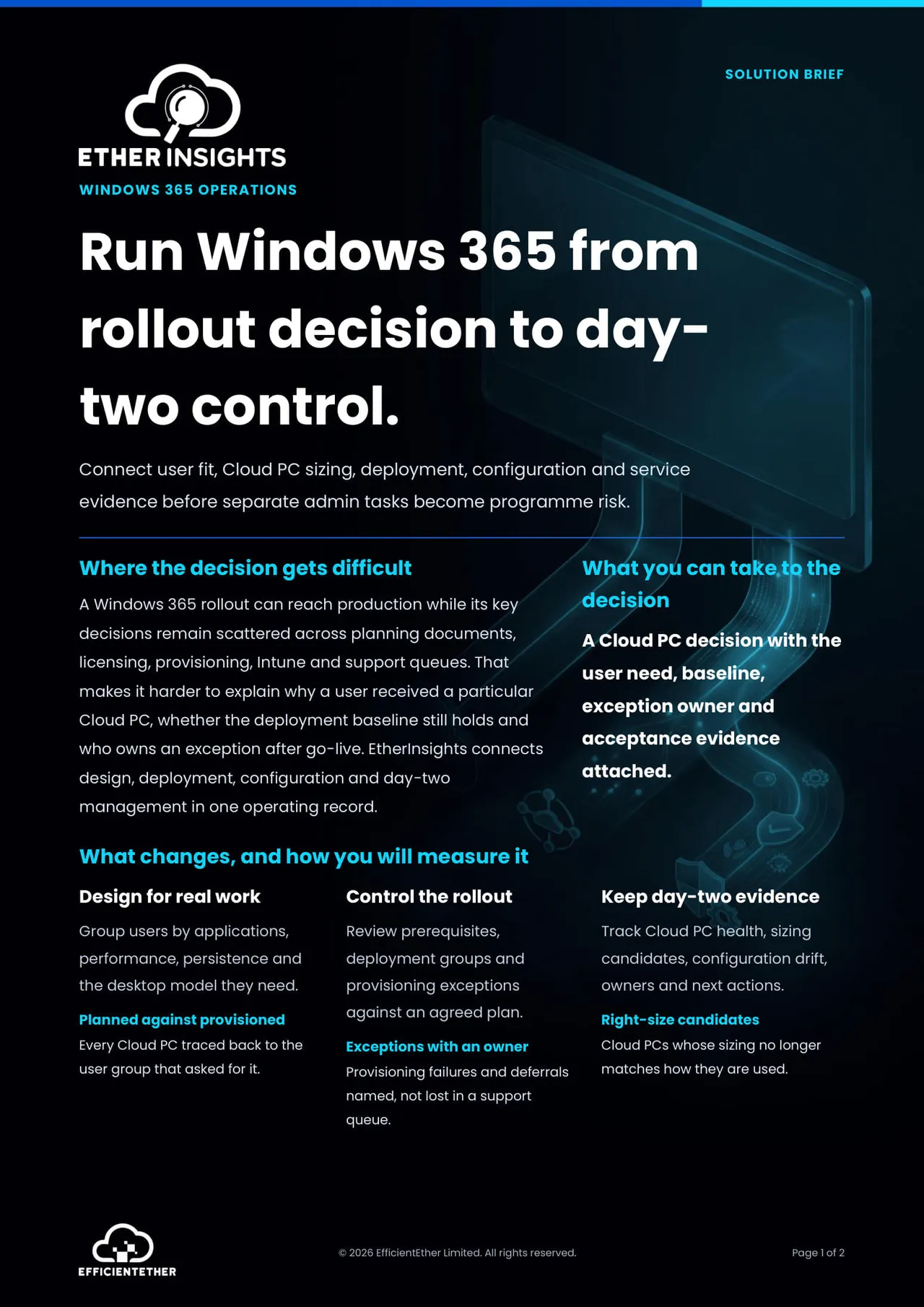
A Windows 365 rollout can reach production with its key decisions scattered across planning documents, licensing, provisioning, Intune and support queues. Six months later nobody can explain why a user received a particular Cloud PC, whether the deployment baseline still holds, or who owns the exception raised during go live.
This brief connects design, deployment, configuration and day two management into one operating record. Users are grouped by applications, performance, persistence and the desktop model they need. Prerequisites, deployment groups and provisioning exceptions are reviewed against an agreed plan. Cloud PC health, sizing candidates and configuration drift stay visible afterwards with an owner against each one.
It is also clear about a decision people skip. Windows 365 Business and Enterprise expose different management capabilities, so the edition, the Graph coverage and the operating responsibilities need confirming before approval rather than after it.
- How to group users by real work rather than by department or existing hardware.
- How to trace every provisioned Cloud PC back to the user group that asked for it.
- How to name provisioning failures and deferrals instead of losing them in a support queue.
- Which licence, identity, network, application and Intune prerequisites have to be proven first.
- What day two ownership covers: performance, drift, support and licence review.
What you get
- Two pages: where the decision gets difficult, what changes and how you measure it, and the four questions to settle first.
- Three measures to track: planned against provisioned, exceptions with an owner, and right sizing candidates.
- A scope statement on the management differences between Windows 365 Business and Enterprise.
- One live decision to test the approach on, using a single representative user group.
Who it is for
IT leaders, end user computing owners, project managers and MSPs running Cloud PC rollouts for tenants of roughly 50 to 600 users. Useful both to the sponsor approving each deployment group and to the team that has to run the service afterwards.
Get the solution brief