
Converting App-V packages to MSIX is mostly mechanical until it is not. Four things account for the overwhelming majority of the "it converted fine and now behaves oddly" reports, and they are the same four every time.
They are worth knowing before you start, because each one is cheap to handle deliberately and expensive to discover in a test ring.
The underlying reason is the same in all four cases: App-V virtualised things App-V controlled, and MSIX containers them differently. Anything the application relied on App-V to do for it needs a new answer. None of this is a fault in MSIX. The two formats simply draw the line between package and environment in different places.
Open the package before you convert it
An App-V 5 package is not opaque. The .appv file is an OPC container, in practice a zip with a manifest inside, so everything you need is readable before a conversion tool touches it.
Three files carry the behaviour:
AppxManifest.xml, inside the.appv, holds the defaults produced when the application was sequenced.<PackageName>_DeploymentConfig.xmlcarries machine-wide settings and machine-context scripts.<PackageName>_UserConfig.xmlcarries per-user settings and user-context scripts.
Precedence runs UserConfig over DeploymentConfig over the manifest, so a setting can appear in all three with different values and only one is live. Read only the manifest and you miss the customisations added later to make the application work, which are the load-bearing ones.
Extracting them takes seconds:
Copy-Item .\LineOfBusinessApp.appv .\LineOfBusinessApp.zip
Expand-Archive .\LineOfBusinessApp.zip -DestinationPath .\LineOfBusinessApp
Select-Xml -Path .\LineOfBusinessApp\AppxManifest.xml -XPath '//*[local-name()="EnvironmentVariables" or local-name()="Shortcut" or local-name()="FileTypeAssociation"]' | ForEach-Object { $_.Node.OuterXml }
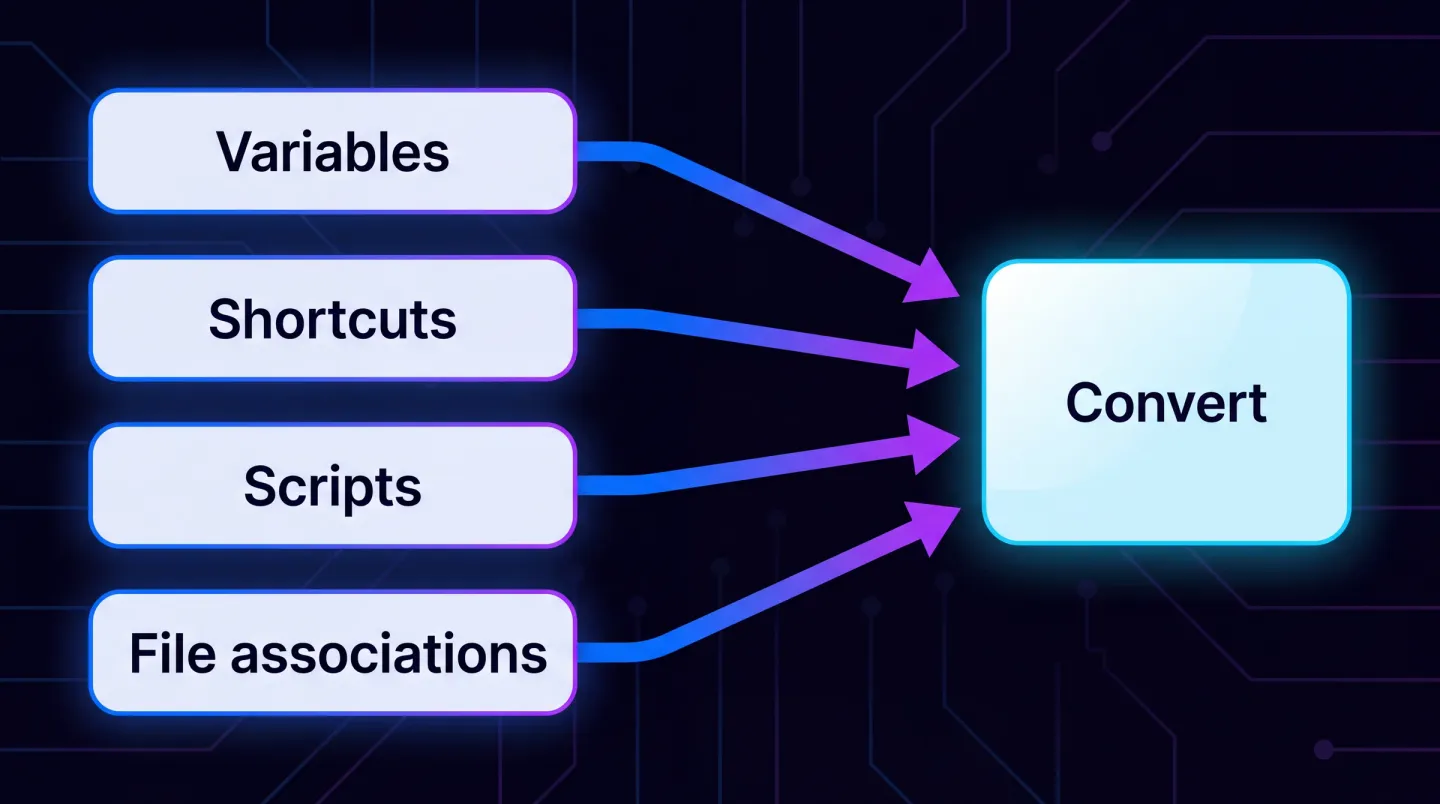
Read all three configuration sources first, then route each finding to where it now belongs.
1. Environment variables
App-V let you define environment variables in the package, and the application saw them inside its virtual environment. They sit in an <EnvironmentVariables> subsystem, and either configuration file can add or delete them:
<EnvironmentVariables Enabled="true">
  <Include>
    <Variable Name="LOBAPP_DATA" Value="%UserProfile%\LineOfBusinessApp" />
  </Include>
</EnvironmentVariables>
MSIX handles this differently, and the variables you declared in App-V do not arrive. An application that reads a variable to find a data path, a server name or a licence location starts up and behaves as though it was never configured. It works, it just does not know anything.
What to do: enumerate the variables the package declared before you convert. People skip this, because the variables are not visible in the application's own configuration. Then decide for each one: a machine or user level variable set by your deployment tooling, a value in a configuration file the application reads, or something a launch script sets first.
The failure signature is an application that launches cleanly and then complains about a missing server or path. Watch for the quieter variant, where it falls back to a built-in default instead of erroring and surfaces weeks later.
2. Shortcuts
App-V packages carried their shortcut definitions in full. The <Shortcut> element names the .lnk to create, its <Target>, <Icon>, <Arguments>, <WorkingDirectory> and <Description>, so a sequenced package reproduced whatever the installer put on the Start menu.
MSIX generates its entry from the package manifest instead, and the result is not always what App-V produced. The shortcut lands somewhere else, the icon is wrong or missing, or the command line arguments are gone.
That last one is the dangerous one. If the App-V shortcut passed an argument that put the application into a particular mode and the MSIX entry does not, users get an application that opens in the wrong state rather than one that fails visibly. Publishing the same application twice, as "Finance" and as "Read only", with the difference carried entirely in a switch, is more common than you would like.
What to do: capture the full shortcut definition, including arguments and working directory, and reproduce it deliberately. Where an argument genuinely distinguishes two ways of running the application, that usually becomes two application entries in the manifest.
Check the working directory specifically. If nothing sets it, Windows uses the System32 directory for a packaged application, which is why "it cannot find its own files" is such a common first symptom. The Package Support Framework sets it explicitly with a workingDirectory value in config.json, the most commonly applied fix-up after any conversion. Which PSF fix-up do I need maps the rest.
3. Scripts
This is the biggest single difference and the one that derails migrations.
App-V supported scripts at eight points in the lifecycle, which explains how much logic estates accumulate untracked:
| Trigger | When it runs | Context |
|---|---|---|
AddPackage, RemovePackage | package added to or removed from the machine | SYSTEM |
PublishPackage, UnpublishPackage | package published to or unpublished from a user | SYSTEM or user |
StartVirtualEnvironment, TerminateVirtualEnvironment | virtual environment created or torn down | user |
StartProcess, ExitProcess | before an application starts and after it exits | user |
Long-running App-V estates often have real logic in those scripts: mapping a drive, fetching configuration, cleaning up a temp location, registering something. Several scripts can hang off one trigger through ScriptRunner.exe, so a single AddPackage entry may run four things in sequence.
MSIX does not offer the same lifecycle script hooks. The nearest equivalent is the Package Support Framework, which runs one PowerShell script before a packaged executable and one after it exits, set per executable as startScript and endScript in config.json.
That covers StartProcess and ExitProcess. It does not cover the other six. Anything that ran at add, publish, unpublish or remove moves into your deployment tooling, the only thing that now knows when a package arrives or leaves.
What to do: find the scripts before you convert, and read them. Some become install or uninstall behaviour in Intune or Configuration Manager. Some become a start script in the package. Some become application configuration. Some duplicate what the platform now does natively, and can be deleted with relief.
Two practical notes. Script execution needs the PowerShell execution policy set to RemoteSigned for both the 64-bit and the 32-bit host. And StartingScriptWrapper.ps1 has to sit in the package beside the executable, or nothing runs and nothing explains why.
The failure signature here is the worst of the four, because the application works perfectly for the person testing it, whose drive was already mapped.
4. File type associations
App-V registered associations inside its virtual environment in detail: the extension, its ProgId, the friendly names, and shell commands with their own command lines, so a right-click "Edit" verb could launch the executable with a different switch from "Open".
MSIX declares them in the manifest as an extension, and the declaration has to be right:
<uap:Extension Category="windows.fileTypeAssociation">
  <uap:FileTypeAssociation Name="lobdoc">
    <uap:SupportedFileTypes>
      <uap:FileType>.lob</uap:FileType>
    </uap:SupportedFileTypes>
  </uap:FileTypeAssociation>
</uap:Extension>
Four things go wrong, in rough order of frequency.
The association is not declared at all, so double-clicking a file does nothing useful.
It is declared but Windows does not honour it, because another application already owns that extension and user choice wins. The result works on the packaging machine and not on a real user's device.
The Name is wrong. It has to be lower case, and it should stay stable across updates, because it is the identifier Windows groups the file types under.
The extension is reserved. Windows keeps extensions and URI schemes for built-in applications, and a registration for one is ignored rather than refused, so it looks like the declaration did not take.
The custom verbs are the part people forget. Shell commands beyond a plain open do not survive the trip.
What to do: list the extensions the package registered, with their ProgId values and any shell commands, declare them in the manifest, and test on a device that has the applications a real user has, not a clean virtual machine with no competing claims.
While you are in there, note the URL protocols, AppPaths, software clients and COM settings the same files carry. A lobapp:// handler that quietly stopped existing is a confusing ticket.
The order that saves time
Do all the discovery before converting anything:
- Extract the environment variables the package declares, from all three sources.
- Extract the shortcut definitions, including arguments and working directory.
- Extract and read the scripts, noting which trigger each one hangs off.
- List the file type associations, their
ProgIdvalues and their shell commands. - Note the remaining subsystems: URL protocols, AppPaths, software clients, COM.
Record the decision next to each finding, not just the finding. "Sets LOBAPP_DATA" is a note. "Sets LOBAPP_DATA, becomes a user variable in the Intune deployment" is a plan.
That is an hour per application at most, and it turns conversion from discovery into implementation. Skip it and you find each of these in a test ring, with a user reporting the symptom rather than the cause.
An example. A finance application converts cleanly, then two things surface in the pilot: it cannot find its templates, because the package set a variable pointing at a share, and half the group opens it in the wrong mode, because the App-V shortcut passed a read-only switch. Both were sitting in _DeploymentConfig.xml before anyone converted anything.
Then convert, and test as a standard user on a device that resembles a real one.
Where this fits
The wider migration path, including which packages should become MSIX at all, is in App-V to MSIX migration. Worth reading alongside it: App-V server is ending, App-V is not, because the timeline is less urgent than most coverage suggested and rushing these conversions is how the four problems above reach production.
Legacy to MSIX conversion covers the same container behaviours for applications that never went through App-V at all.
Where EtherApps Forge fits
EtherApps Forge captures applications from older environments and stages the remediation as part of packaging rather than as a separate project afterwards, so the working directory fix, the file redirection and the launch script are decided while the package is built, not after a pilot has failed.
It is a Windows desktop application with a free 7-day trial, not a hosted service, so captures and outputs stay inside your environment. The legacy apps route covers discovery and remediation, MSIX packaging and deployment covers signing, validation and delivery, and application modernisation and migration covers which applications take this road at all.
Explore legacy application modernisation
Answer the four questions before you convert, and the conversion stops producing surprises.